Everything Engine AI-3D Creation Academy

DomiKidsAI · 3D Creation Academy

Put the power to createin kids’ hands!

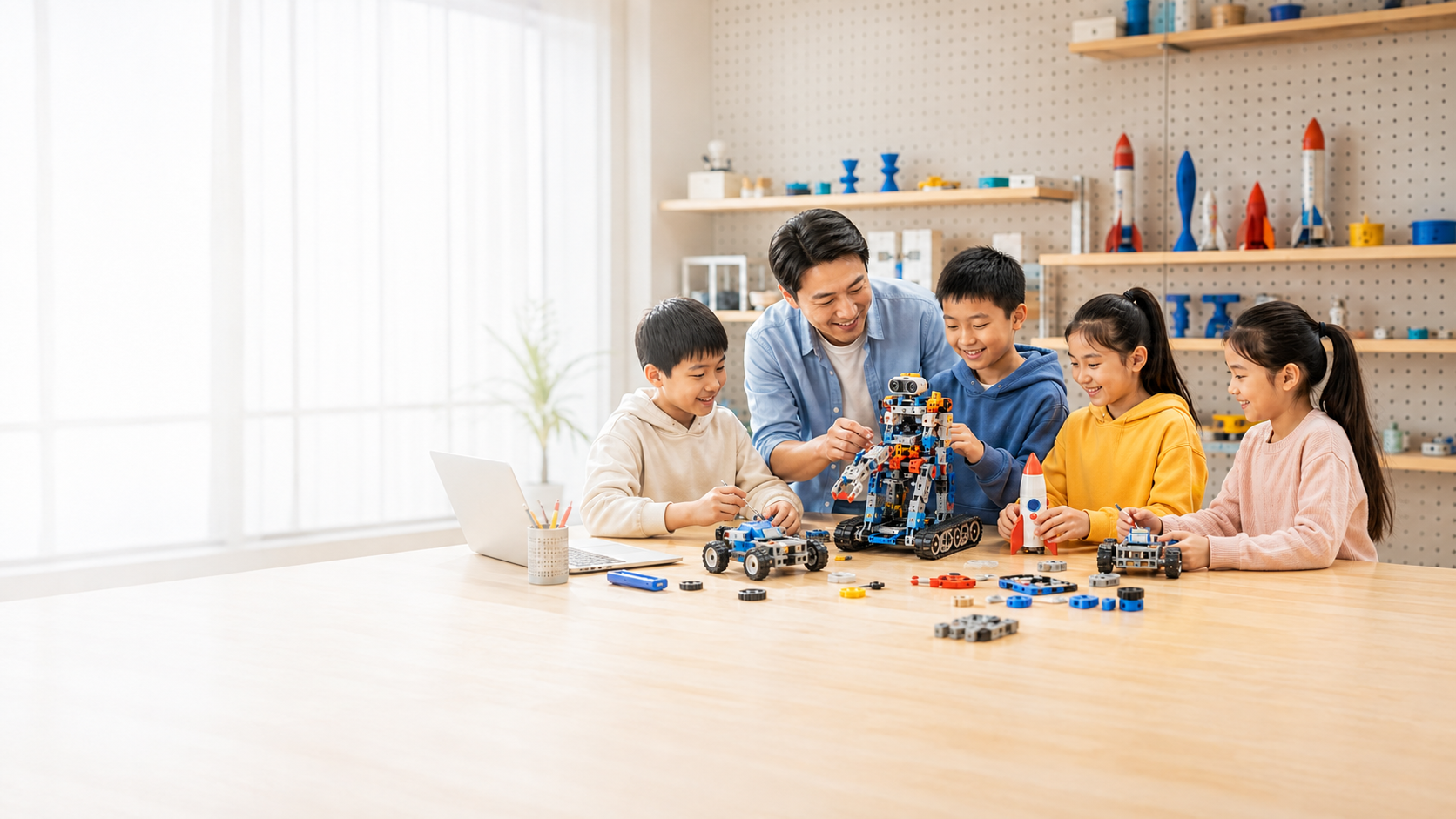
Kids discover real needs, design with AI, then print, assemble, test, and take home a creation of their own.

Ages 6–15
Five-stage progression
L1–L5
Progressive growth pathway
One work per class
Visible outcomes
DomiKidsAI · Everything Engine | From inspiration to reality, all in one place

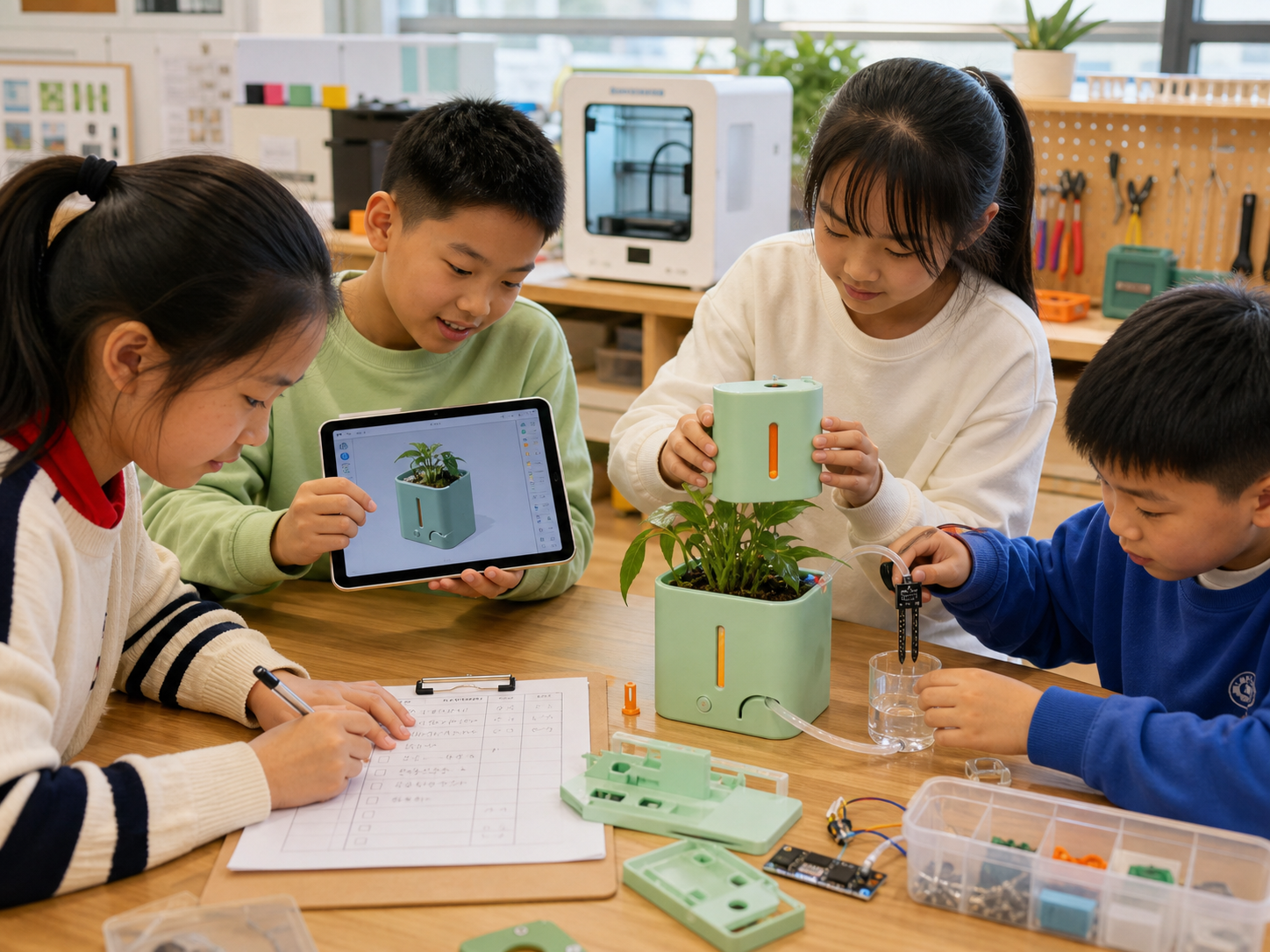
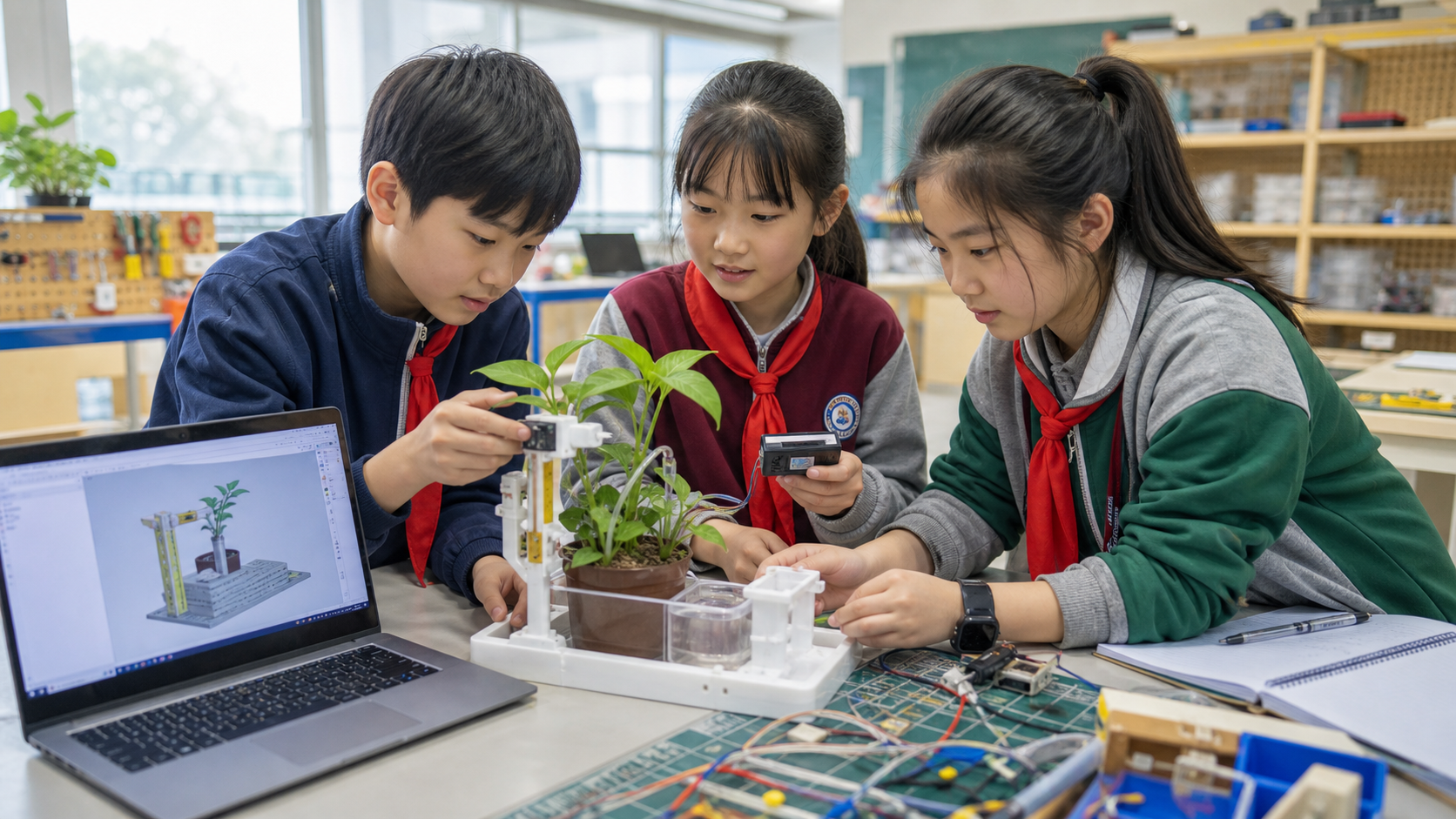
Chinese learners document, design, assemble, and test a smart plant-care invention

VISIBLE TO INSTITUTIONS · DELIVERABLE BY LEARNERS

The learner’s core creation loop

Every class begins with a real need and moves through ideation, design, making, and validation. Institutions showcase more than a printer: they gain a repeatable, assessable learning process with a tangible outcome in every class.

One physical work per classA complete process to documentGrowth that can be assessedOutcomes ready to exhibit and share
  1. Step 1

    Discover

    Spot problems

  2. Step 2

    AI ideas

    Explore options

  3. Step 3

    AI modeling

    Generate & refine

  4. Step 4

    3D design

    Shape & size

  5. Step 5

    3D print

    Slice & print

  6. Step 6

    Assemble

    Join parts

  7. Step 7

    Test

    Fix & improve

  8. Step 8

    Showcase

    Present & share

AI Creativity Curriculum

Everything Engine Curriculum

Five progressive stages · Explore each complete curriculum · One method across all stages

AI enabledCreative expression3D designHands-on makingProject solvingInnovation
Foundation 3D creation class

L1 · From generation to design

12 lessons

Foundation

Explore 3D design and printing through creative making. Use AI to turn ideas into editable 3D models, print them as real objects, and build basic digital-making skills.

Explore all L1 lessons

Teaching Focus

What learners explore

  • 1Explore AI tools and creative generation to spark imagination
  • 2Use foundational AI 3D generation to turn ideas into editable digital prototypes
  • 3Learn basic modeling tools such as Boolean operations to split, join, hollow, slot, and simplify models
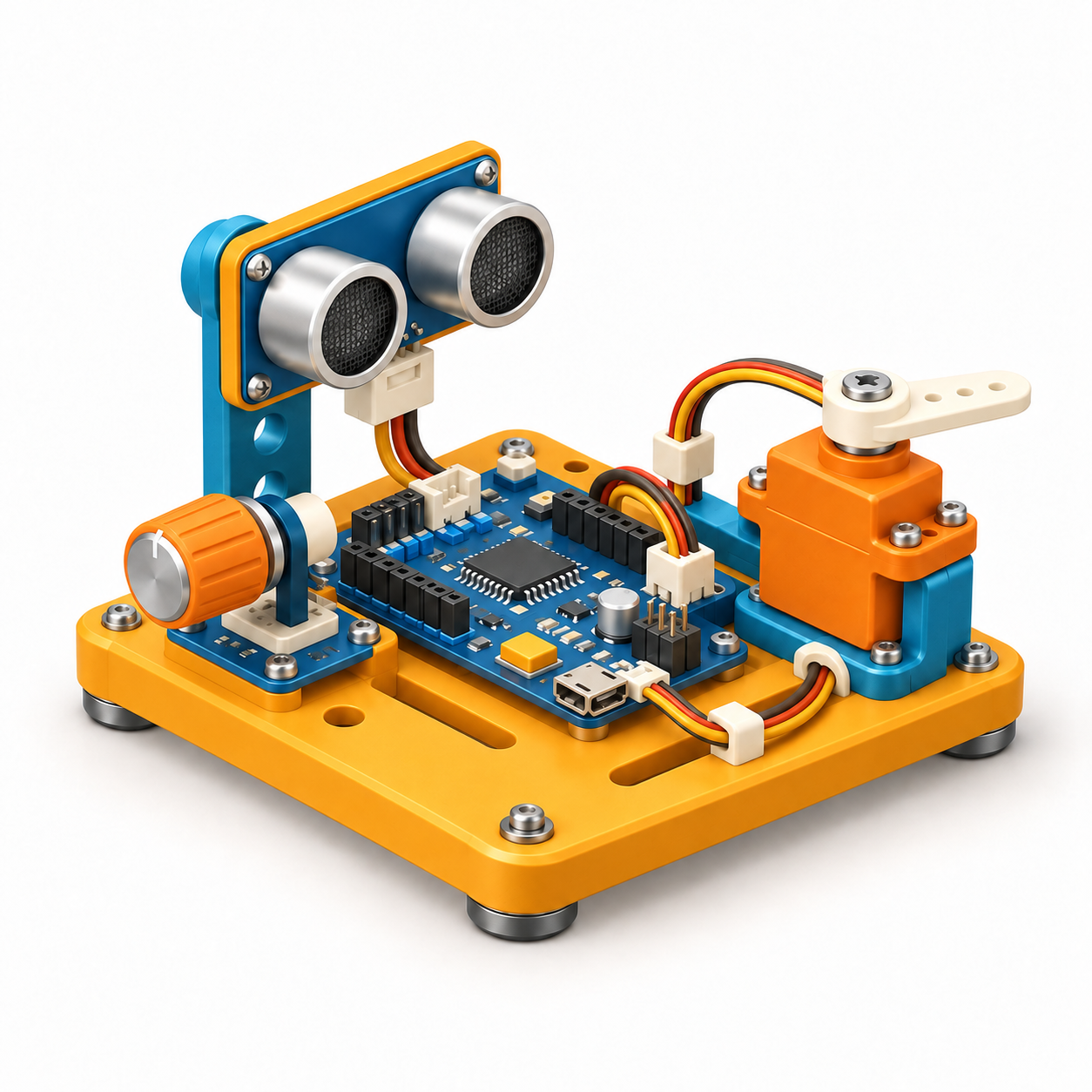
  • 4Operate a 3D printer and finish printed parts; use basic electronic modules to make simple creations light up and move

Ability Growth

Skills learners build

  • 1Use AI tools confidently, express ideas, and understand the complete creative journey
  • 2Combine AI generation with basic editing to make creations and build a sense of achievement
  • 3Build spatial and structural thinking, then independently edit, assemble, and add function to forms
  • 4Recognize basic electronic components
  • 5Develop sound creative habits and learn the basics of 3D printing and post-processing

Making & STEM Innovation Focus

Making & STEM Innovation Focus

Explore varied themes while building real skills

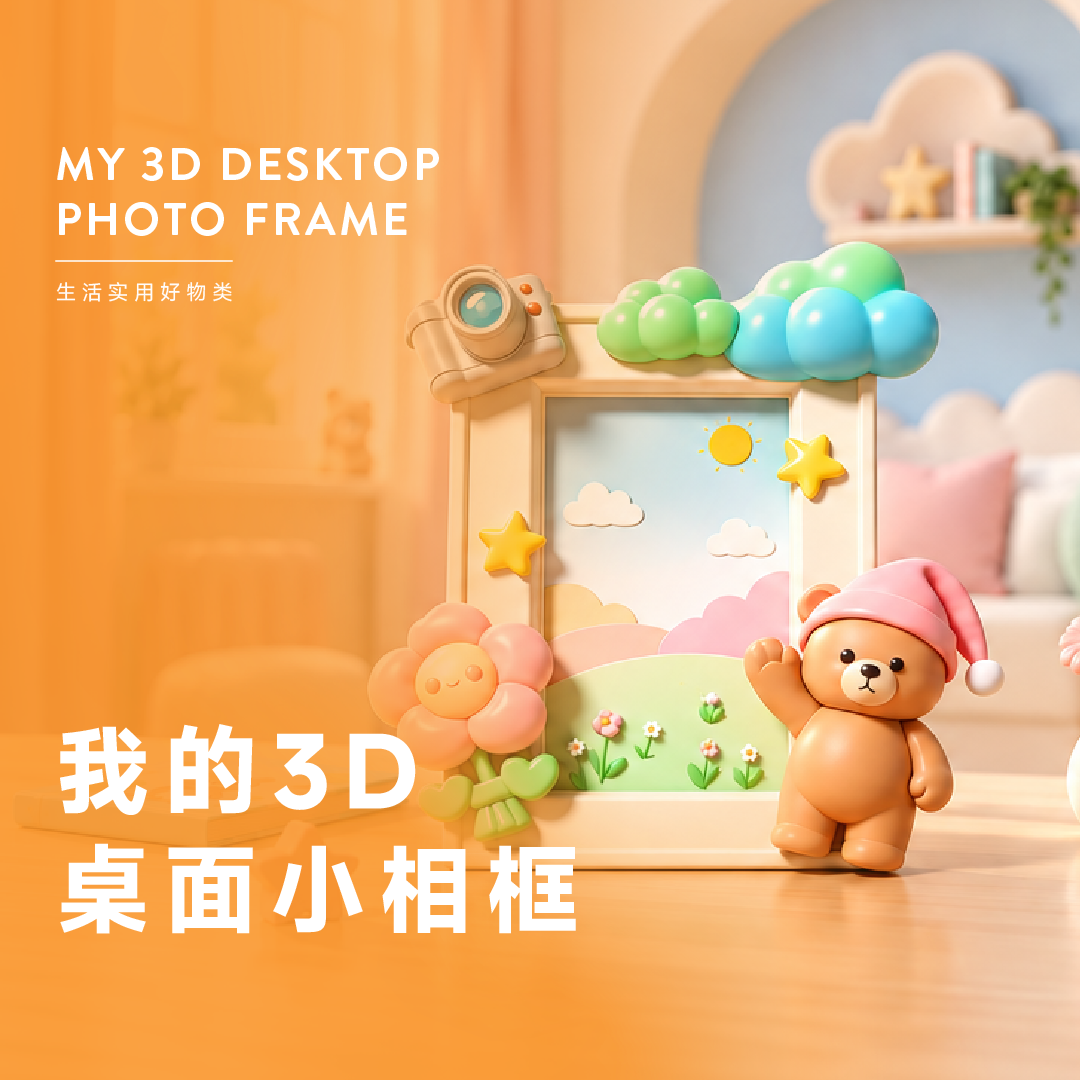
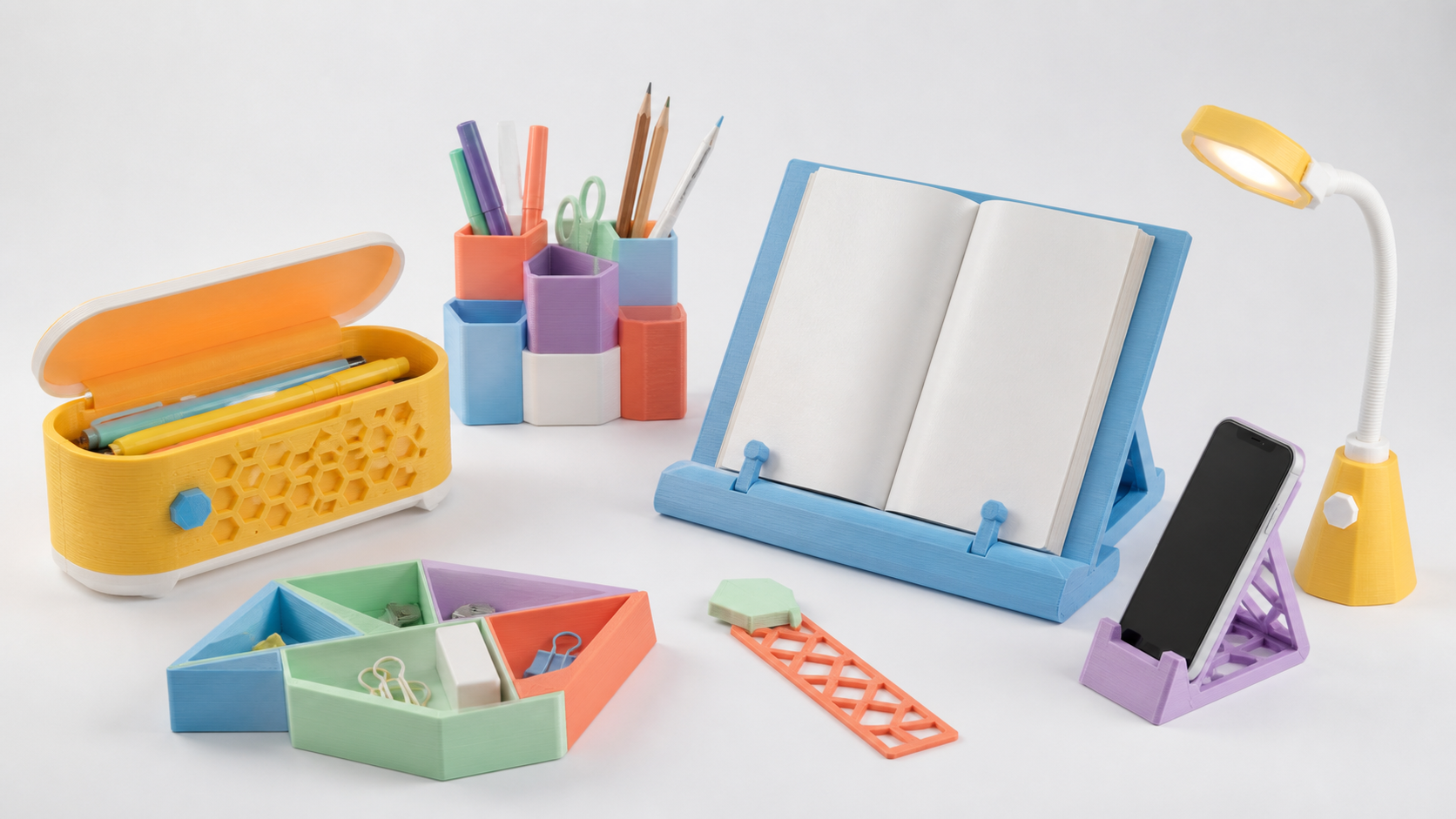
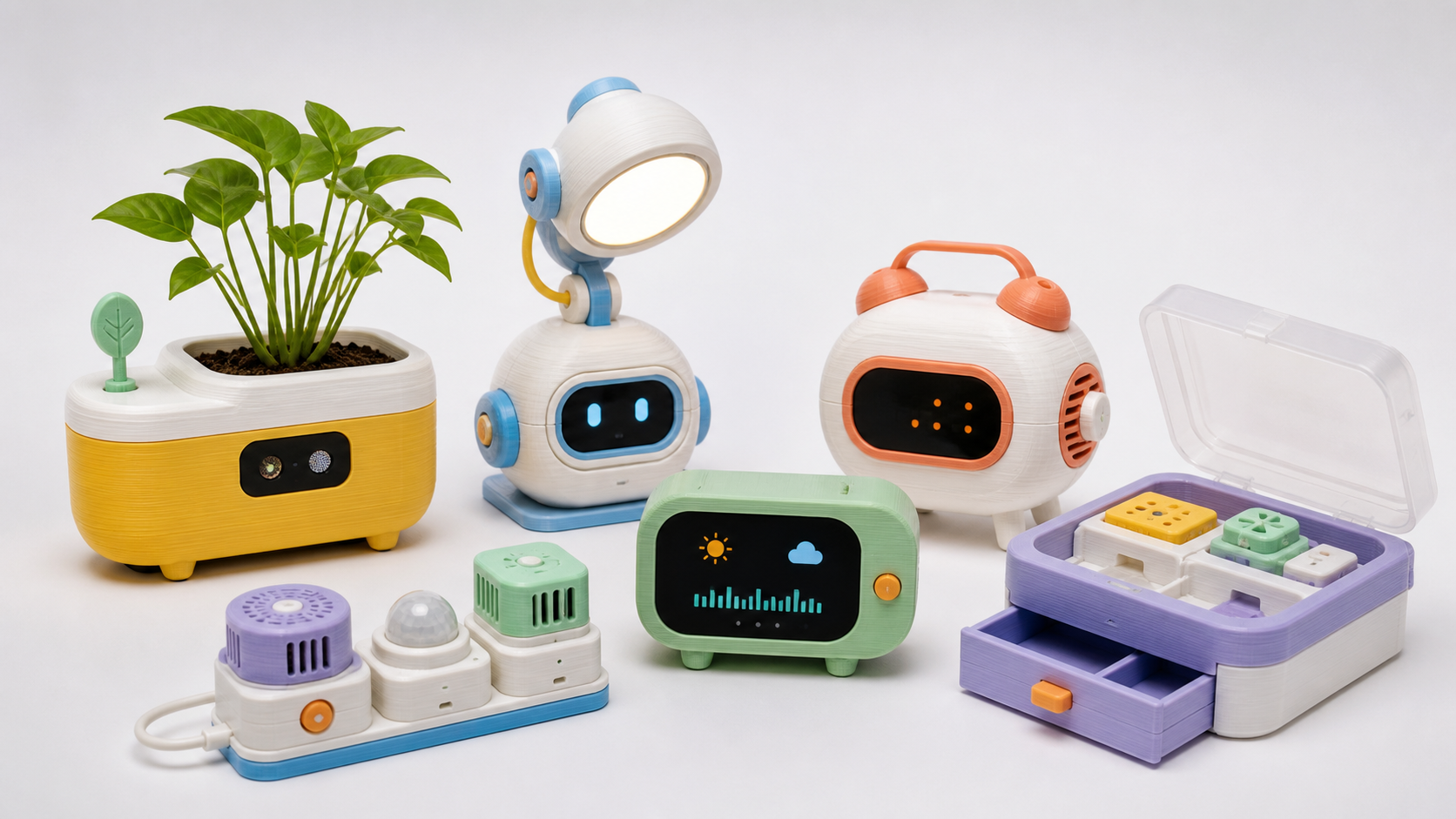
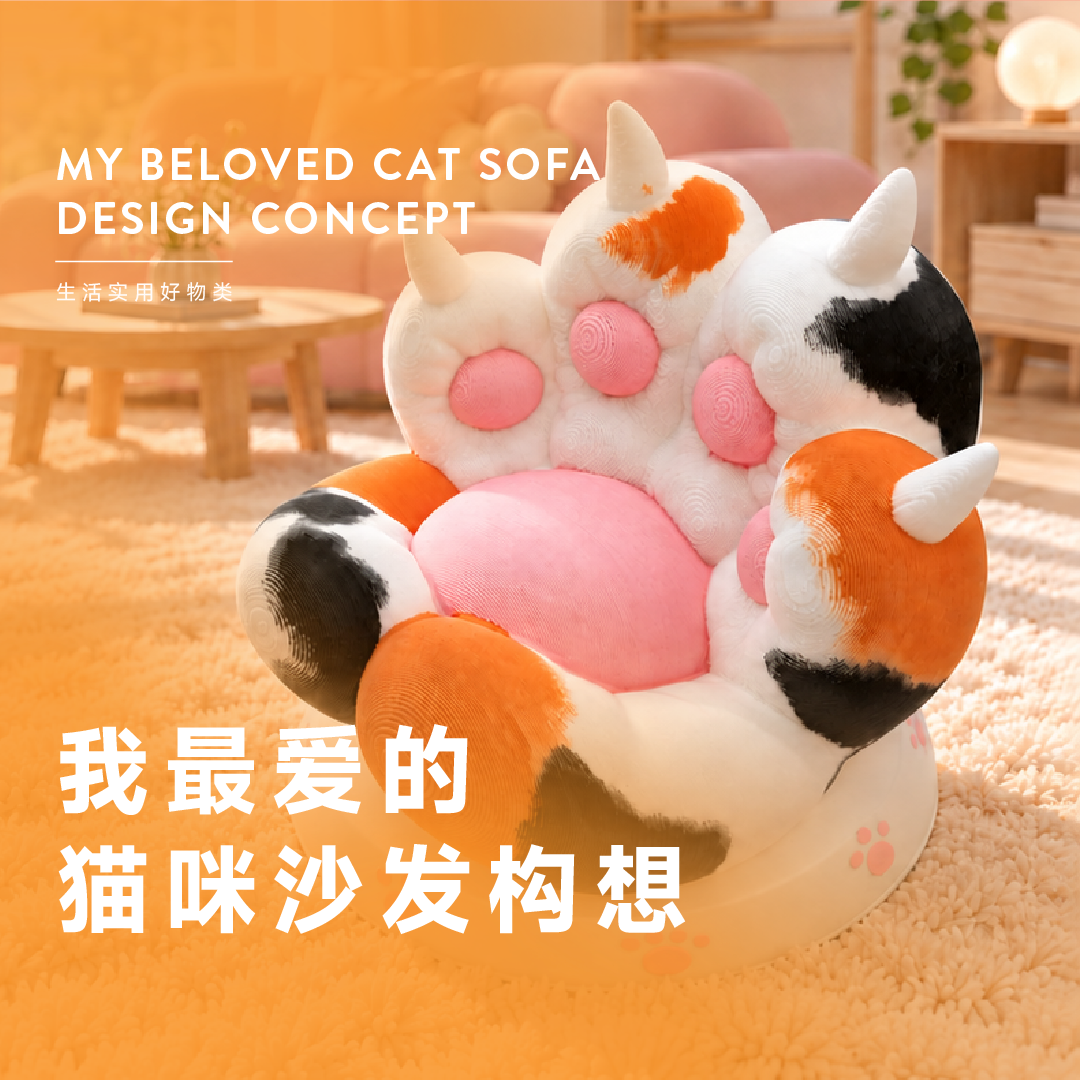
Everyday Life

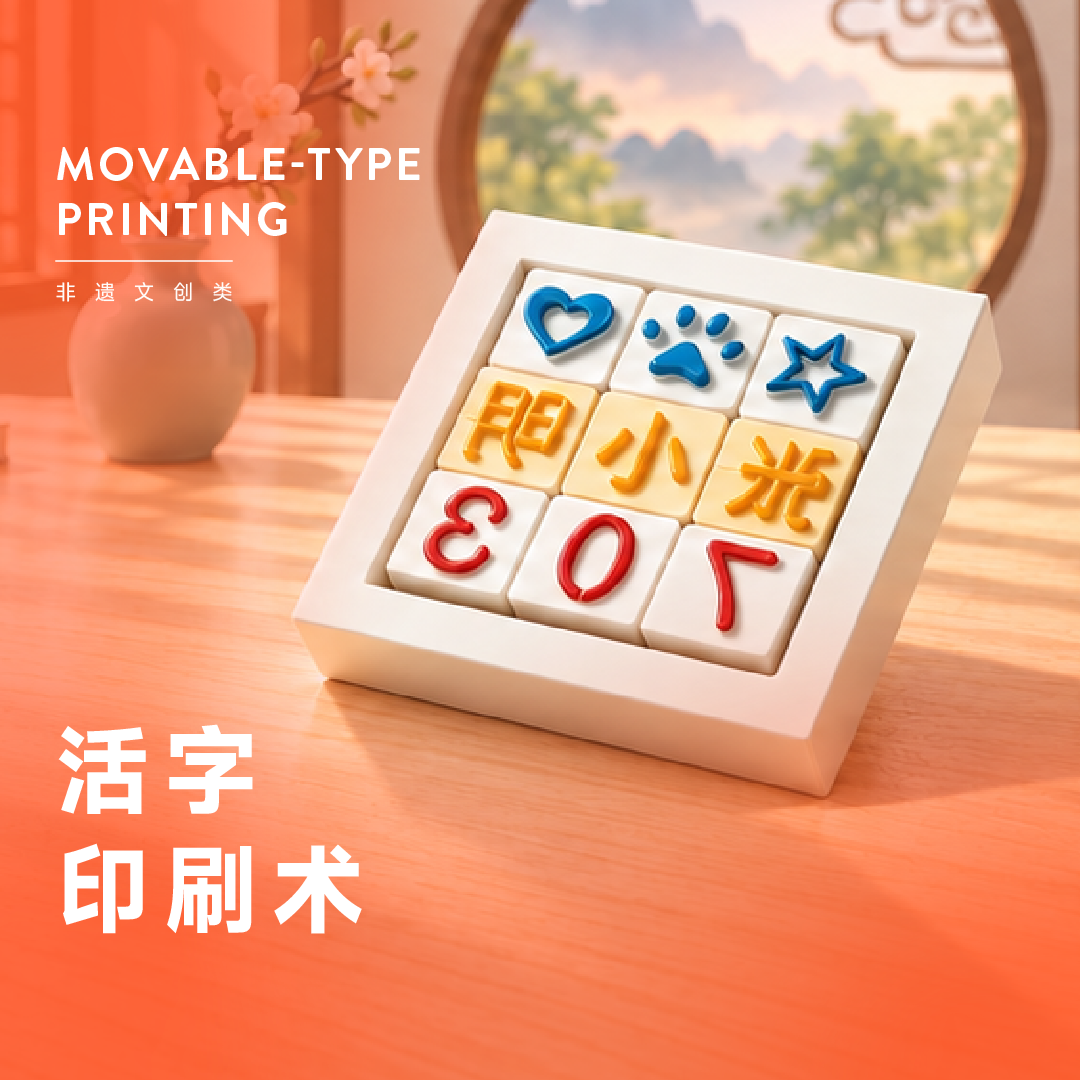
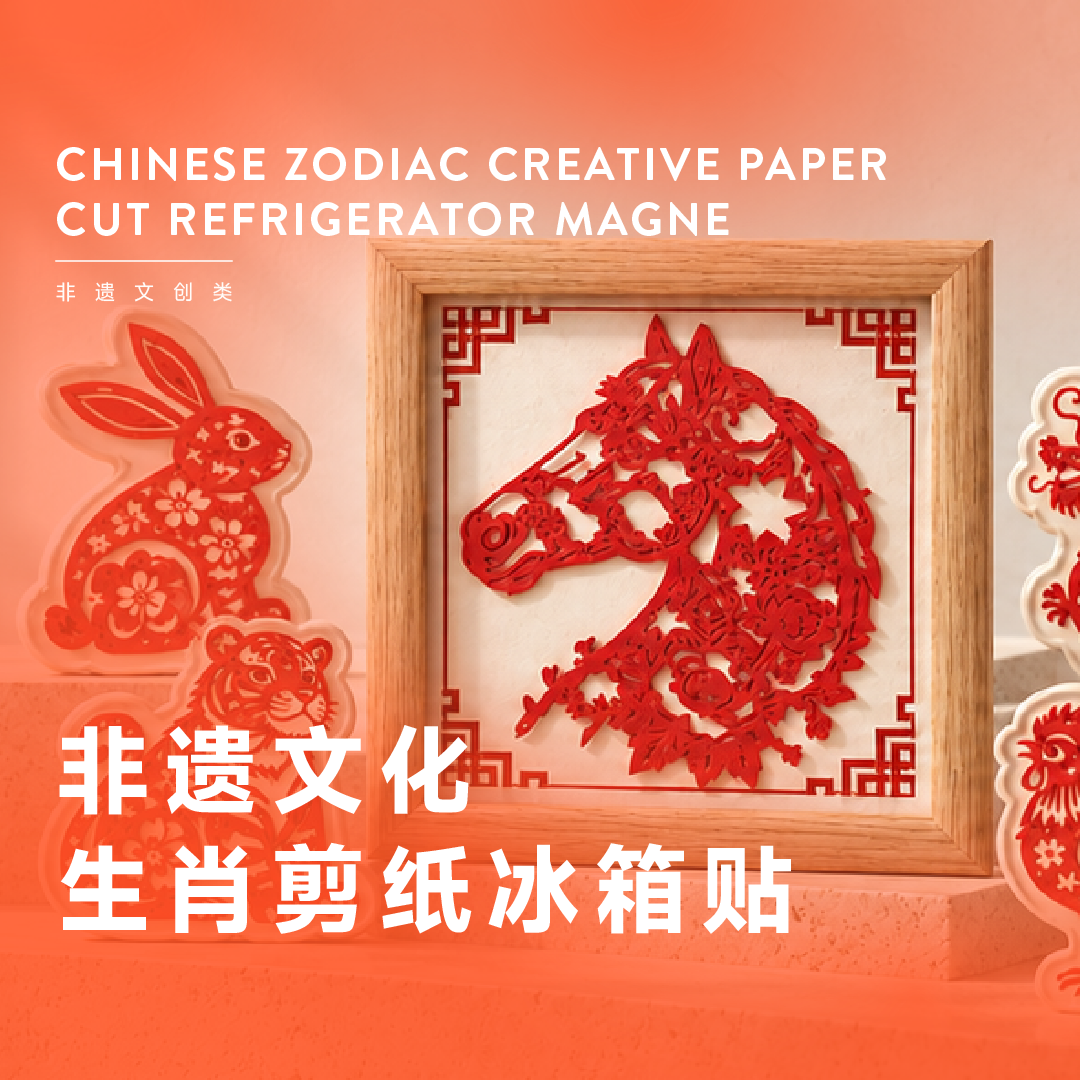
Art & Culture

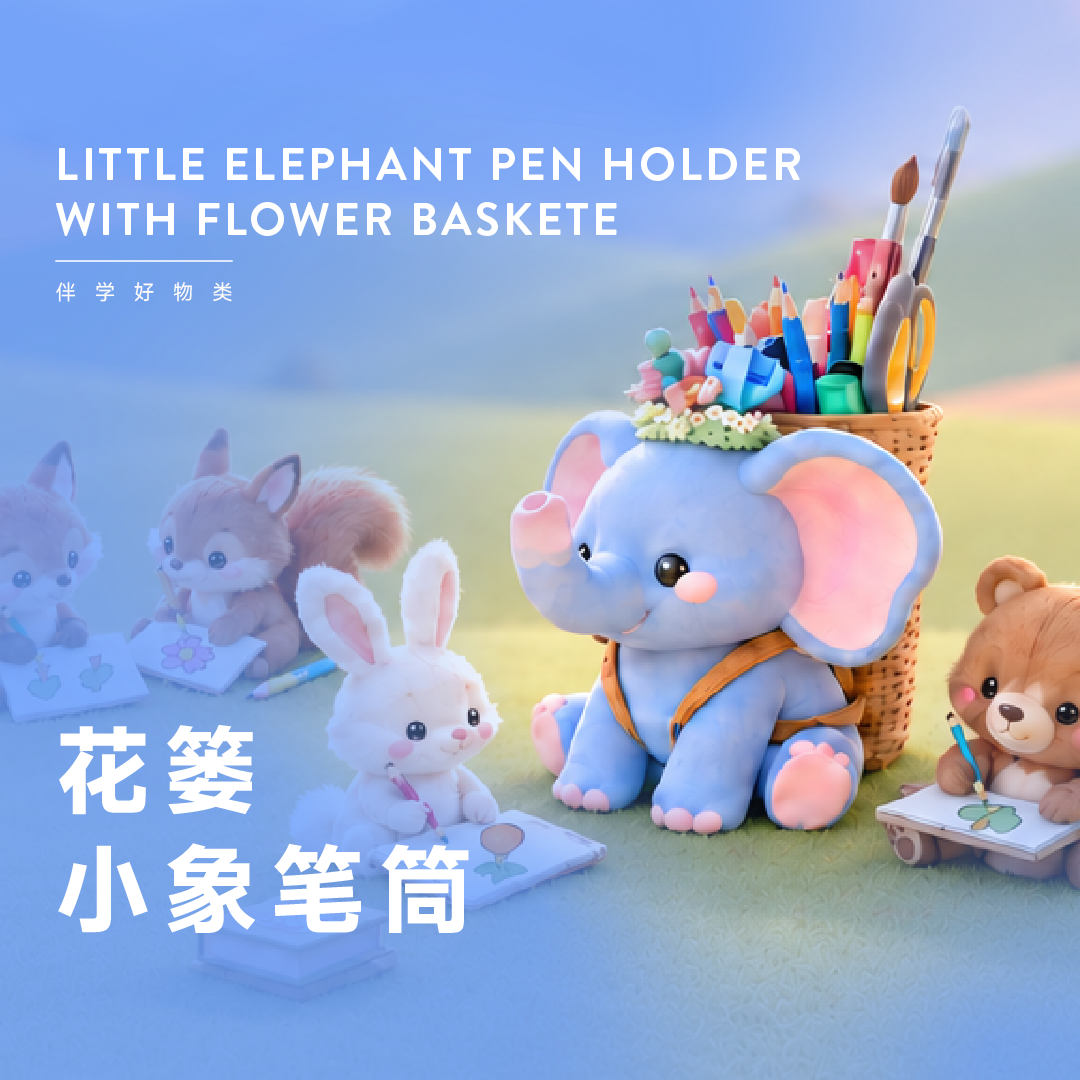
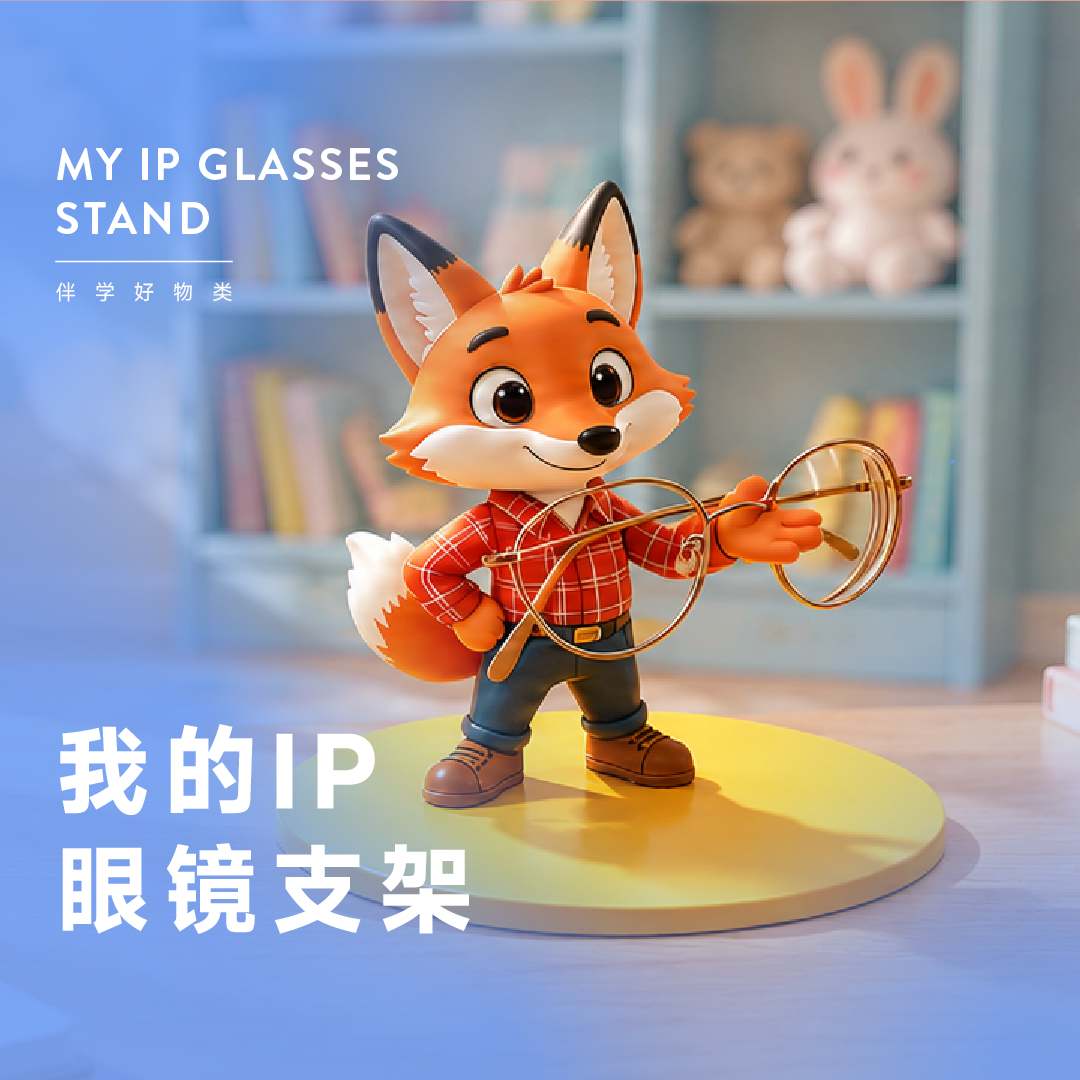
Learning Tools

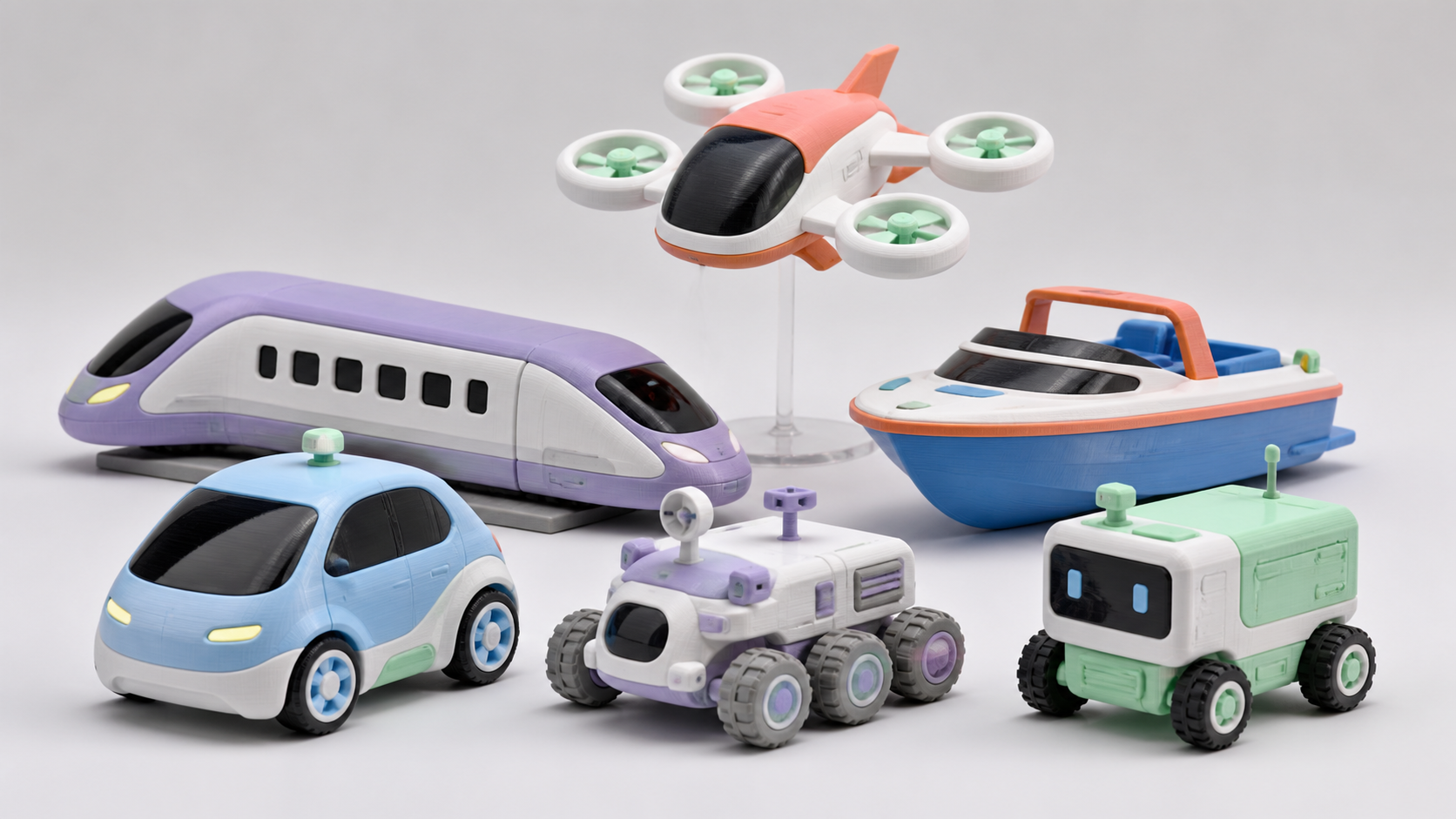
Mobility

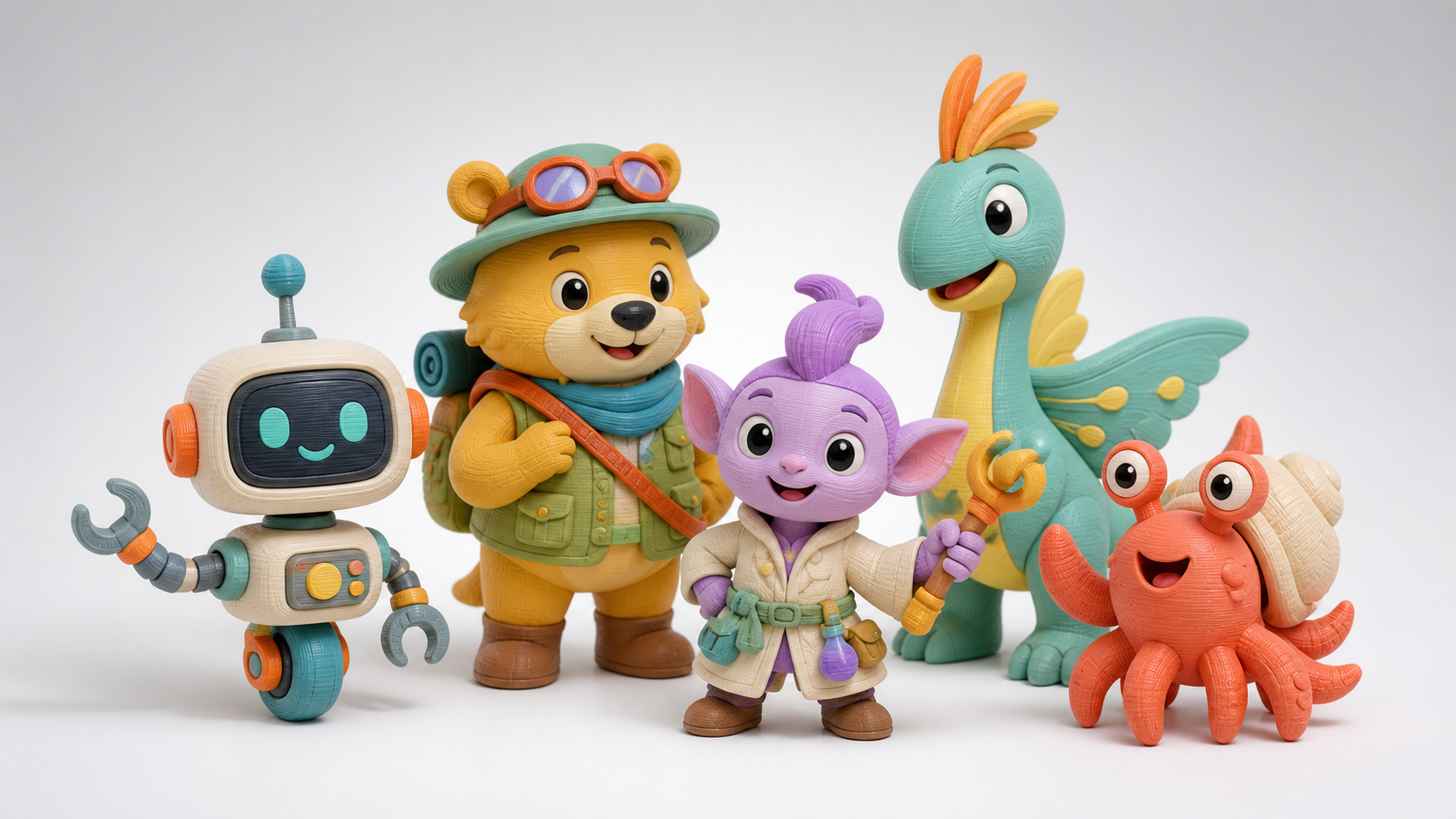
Character IP

Growth Path · Scientific Loop

Stage growth path

Build confidence through a complete first making journey.

A learner completing a foundation making project
  1. 1
    Imagine

    Spark interest

  2. 2
    Express

    Express ideas

  3. 3
    Generate

    Use tools

  4. 4
    Refine

    Refine by making

  5. 5
    Print

    Review outcomes
Learning evidence loop
Set goalsTeacher supportWork evidenceReview & improve

Project Examples

Making project examples

Every stage produces work to show, explain, and take home

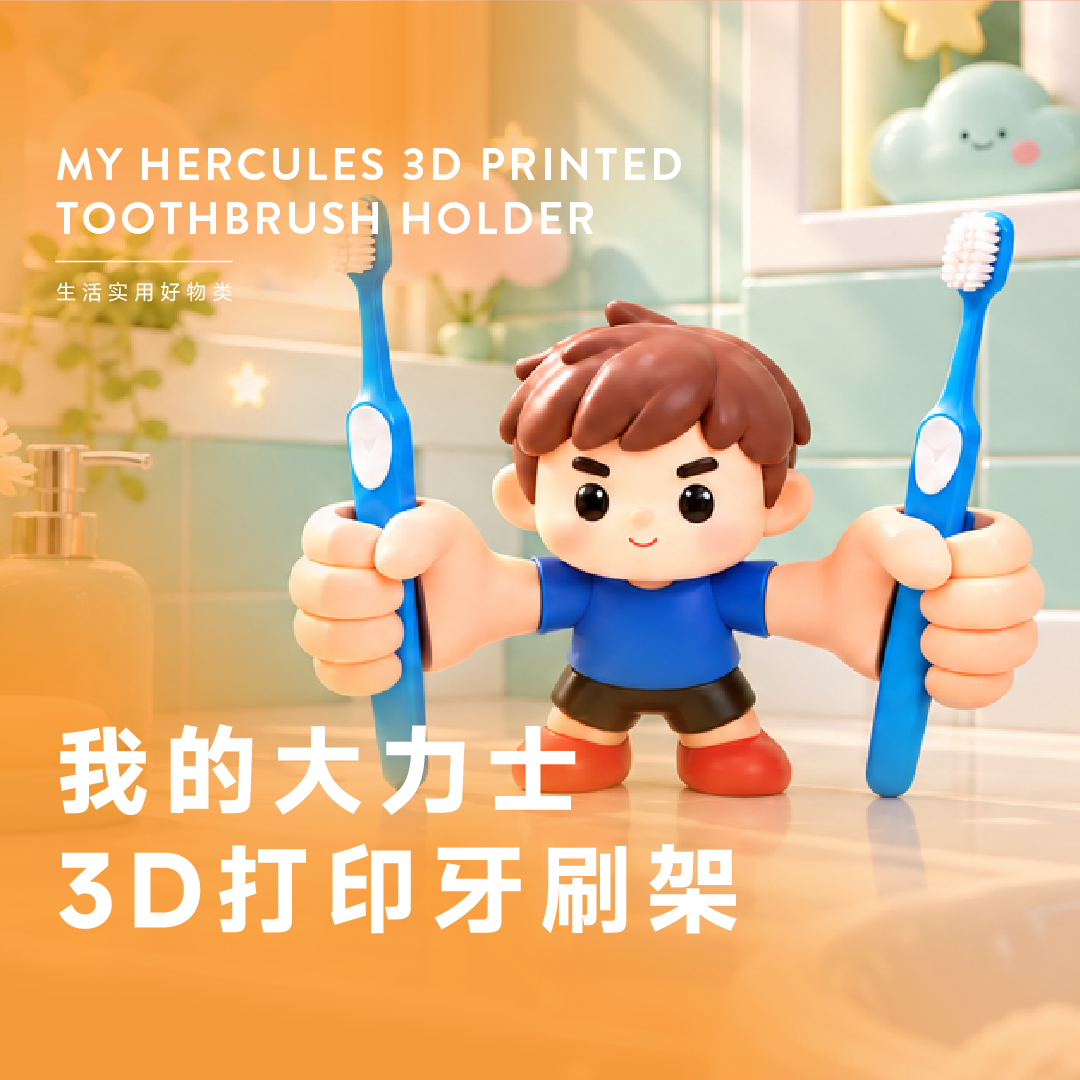
Strongman Toothbrush Stand

Strongman Toothbrush Stand

A playful everyday idea that keeps toothbrushes tidy and hygienic.

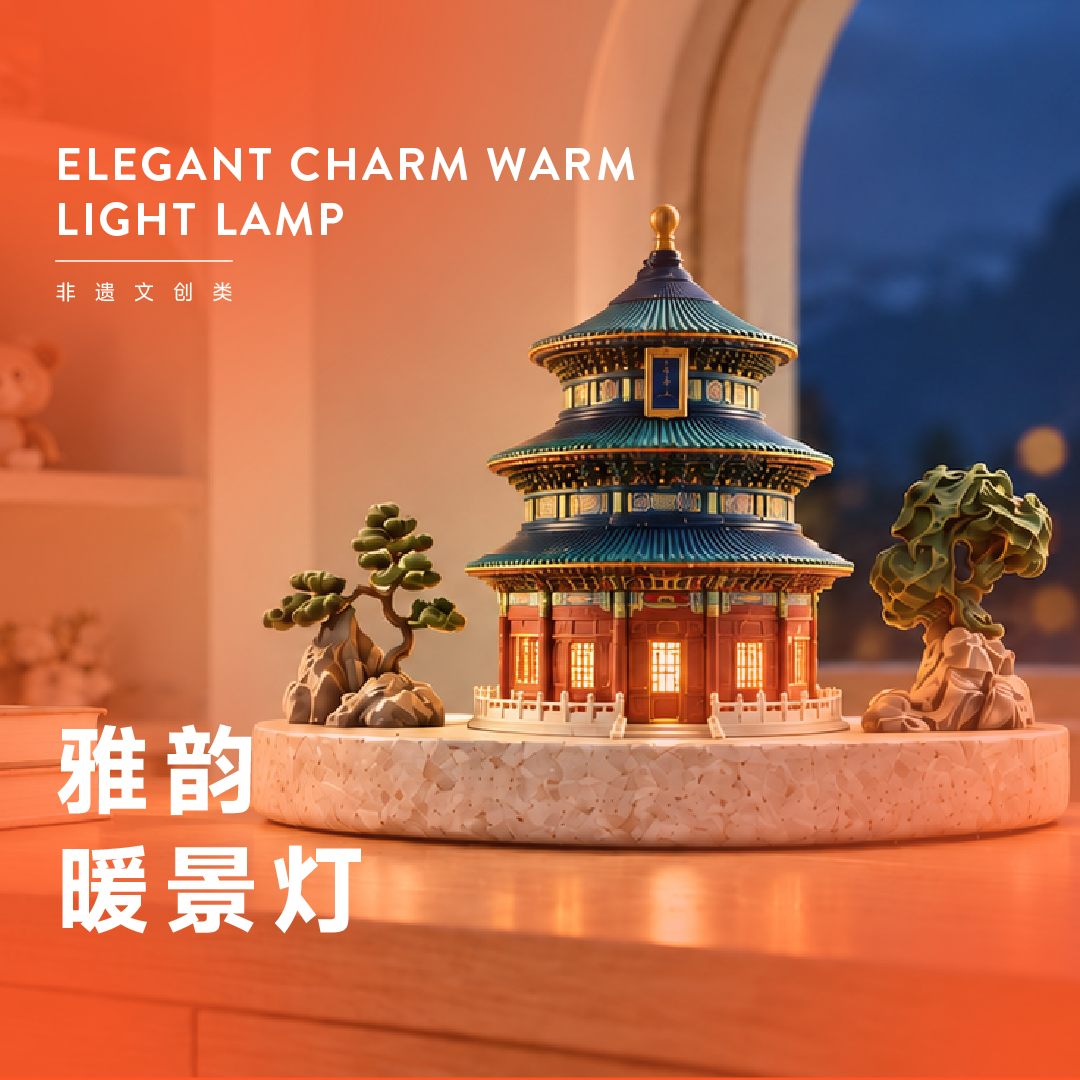
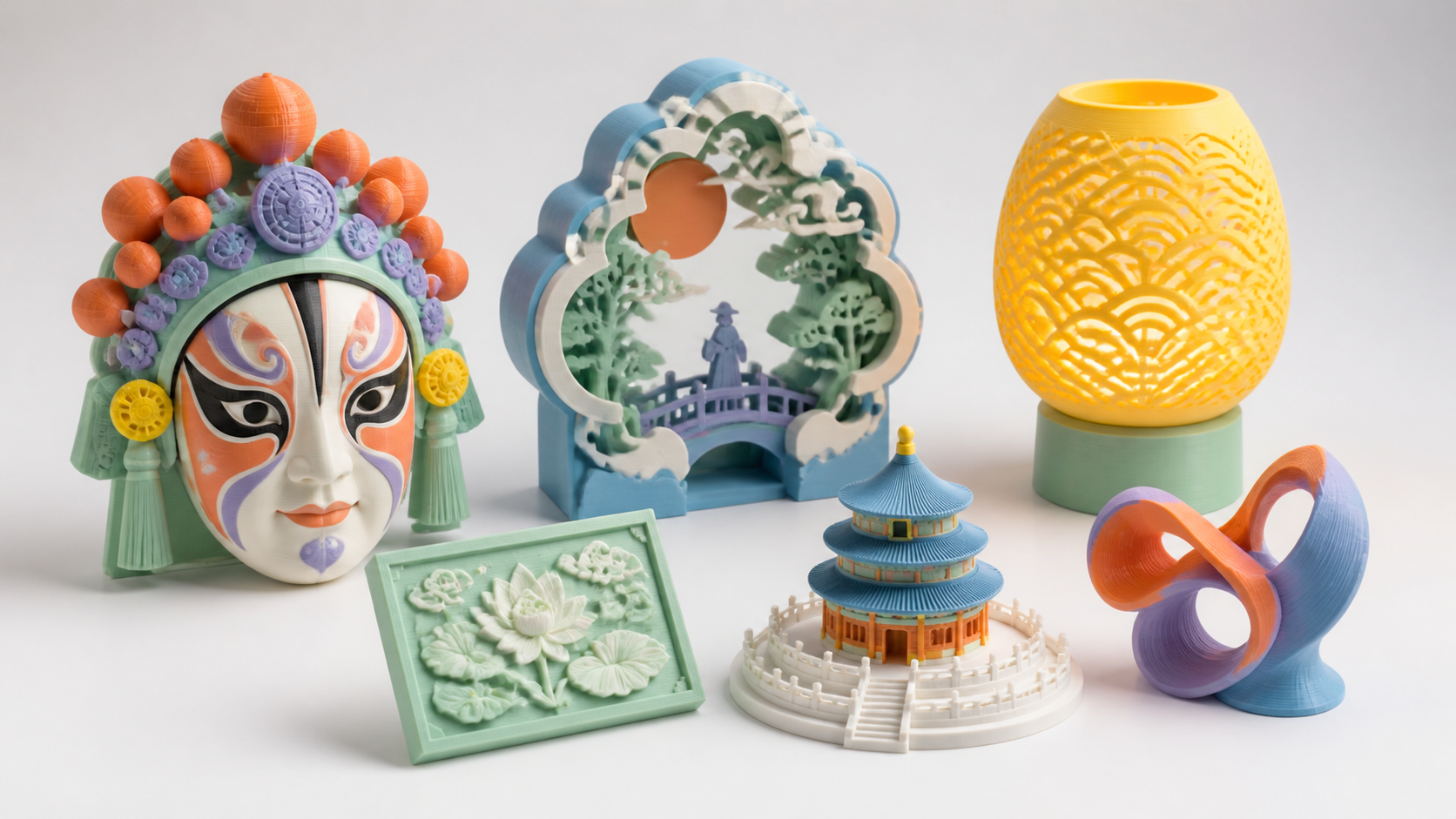
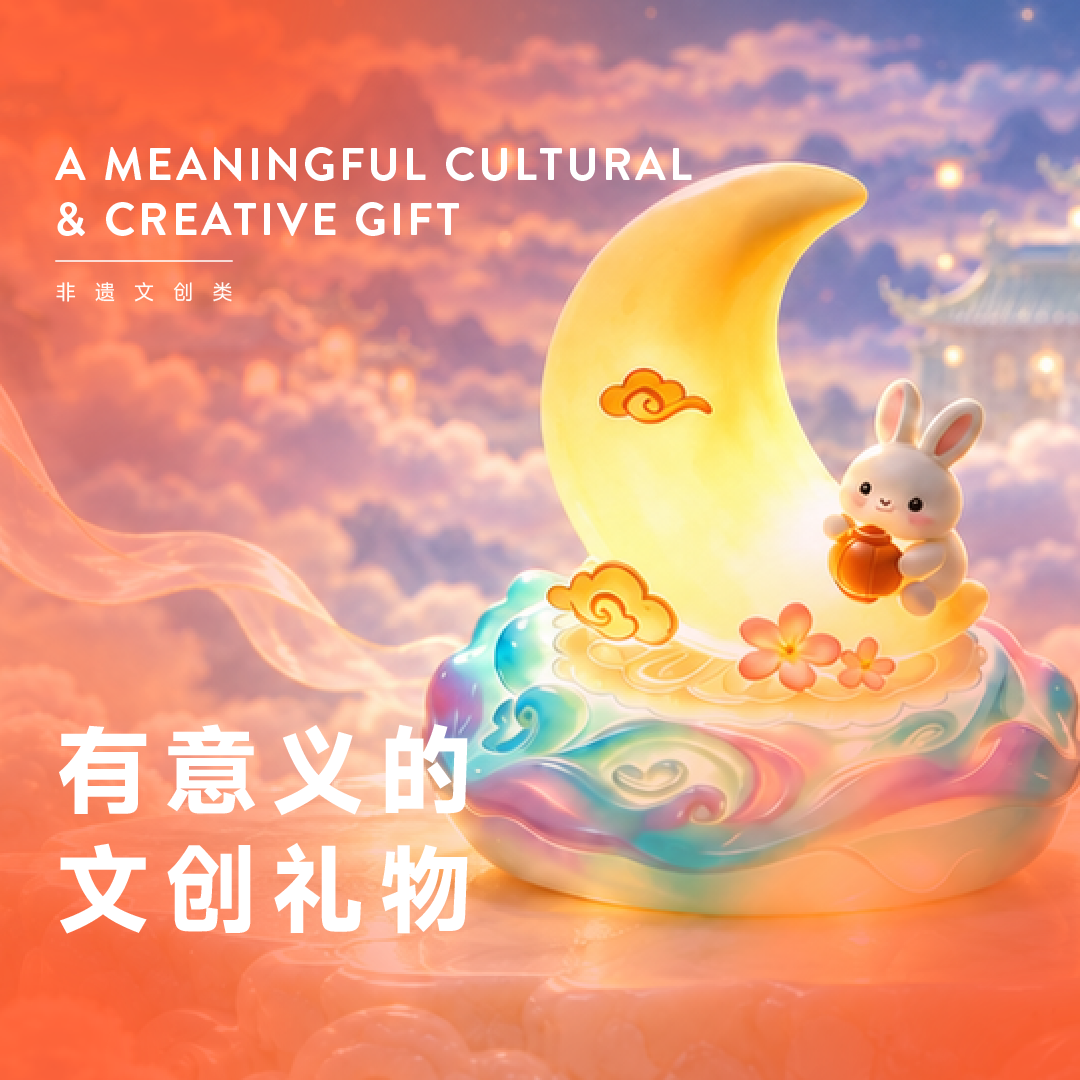
Cultural Creative Lamp

Cultural Creative Lamp

Turn a lamp into a cultural accent that brightens everyday life.

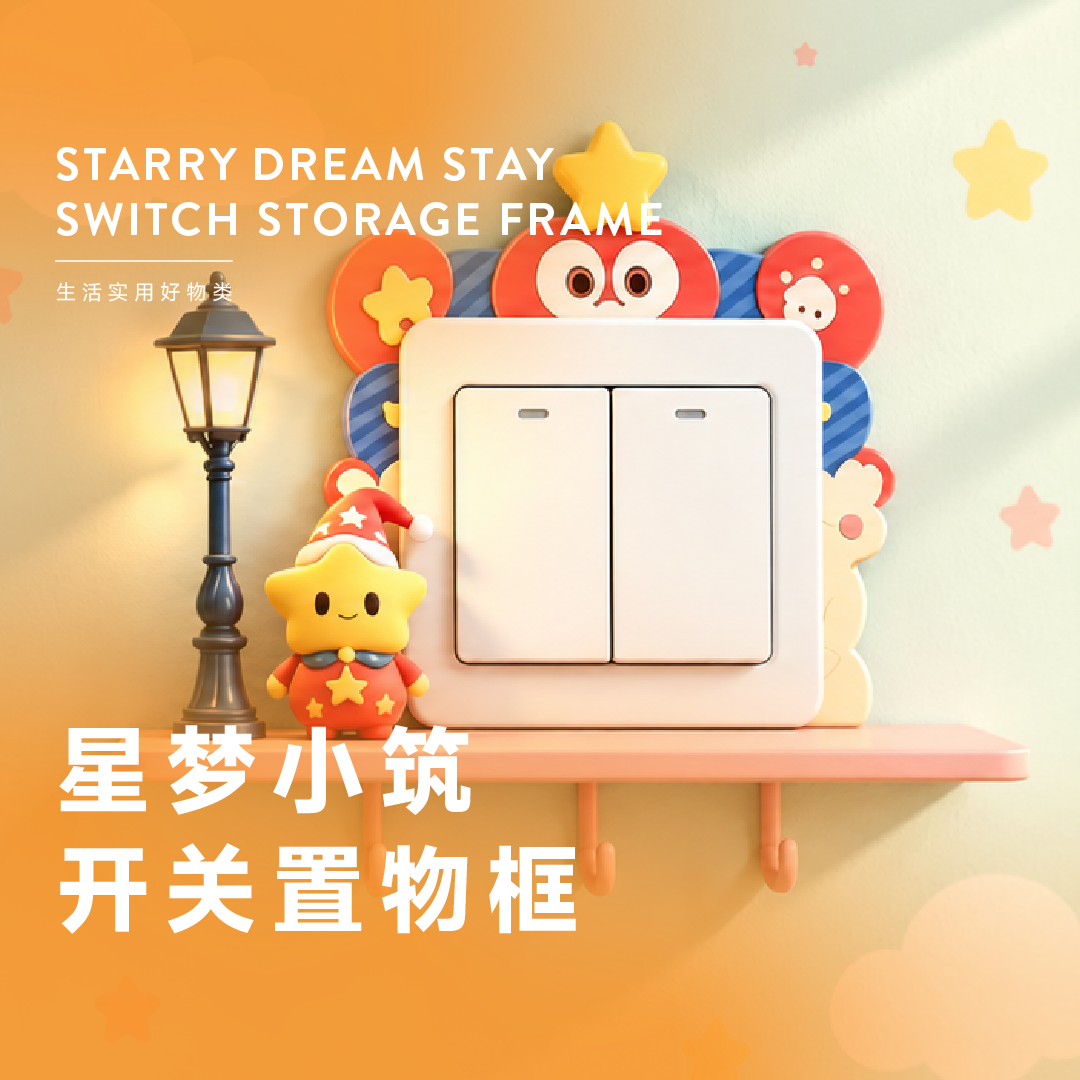
Switch-Panel Decorative Frame

Switch-Panel Decorative Frame

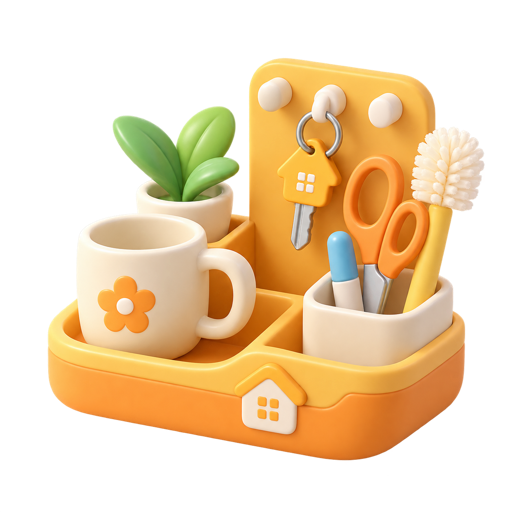
Use 3D printing to transform even the smallest overlooked corner at home.

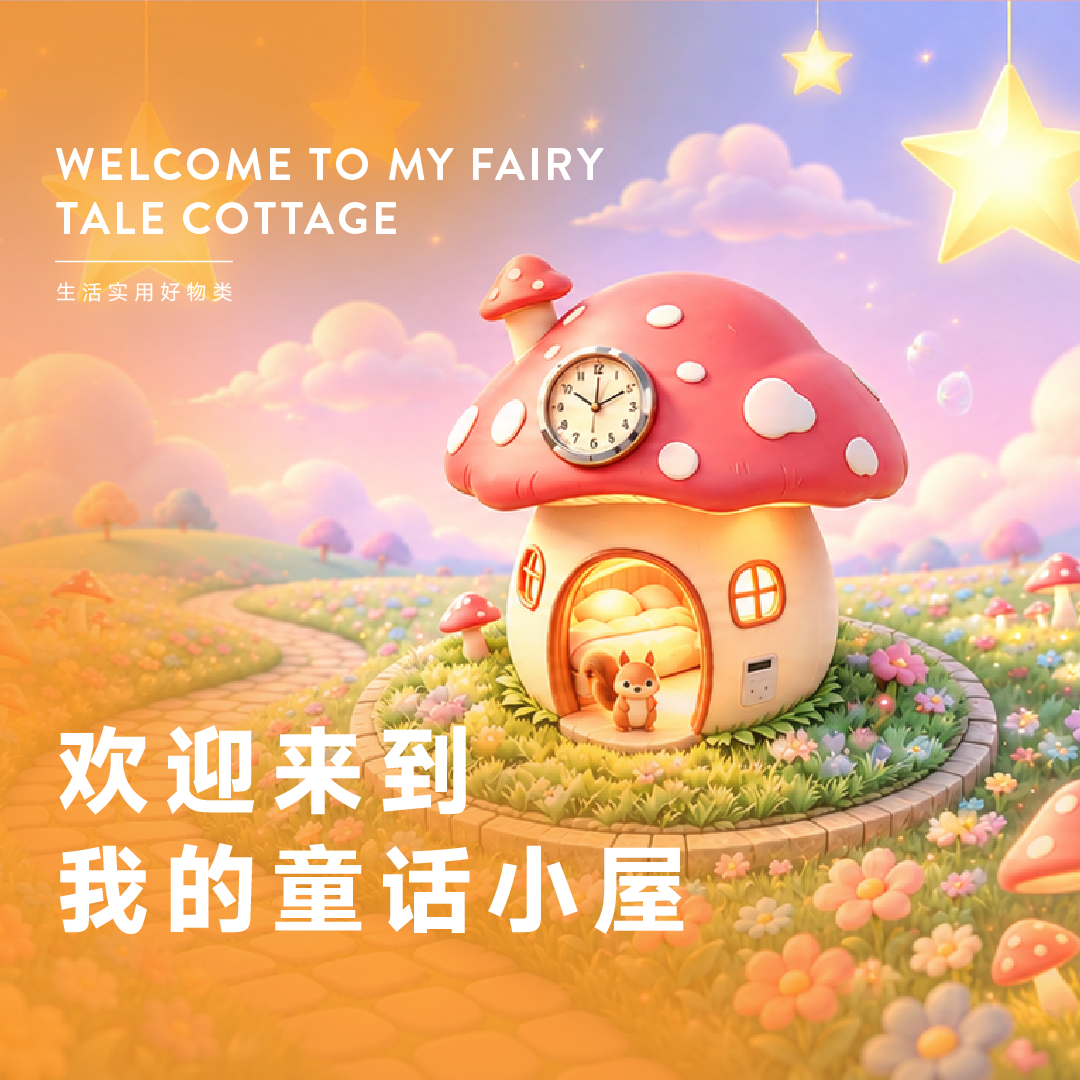
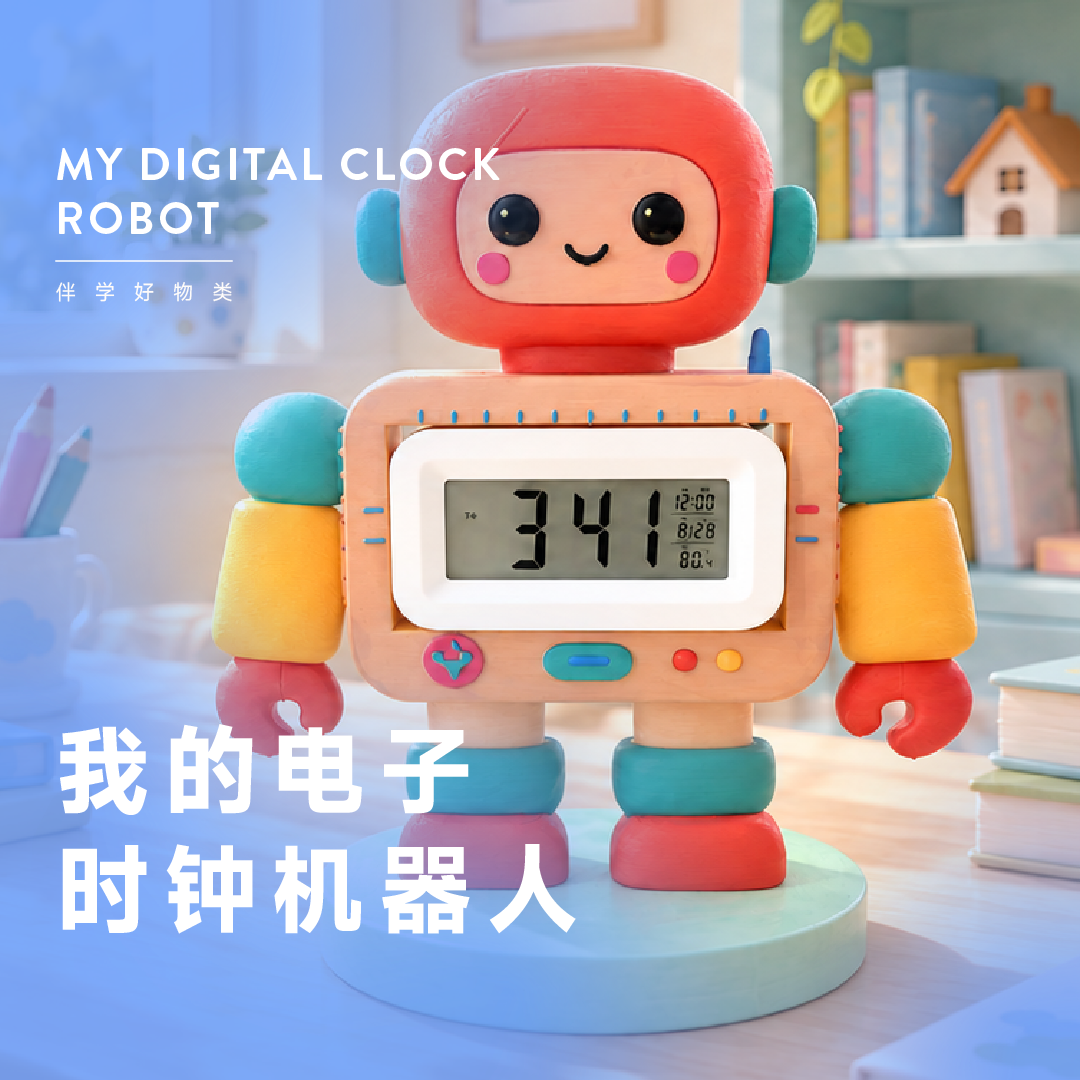
Fairy-Tale Cottage Clock

Fairy-Tale Cottage Clock

Fit a clock movement into a cottage while practicing alignment, modules, and assembly.

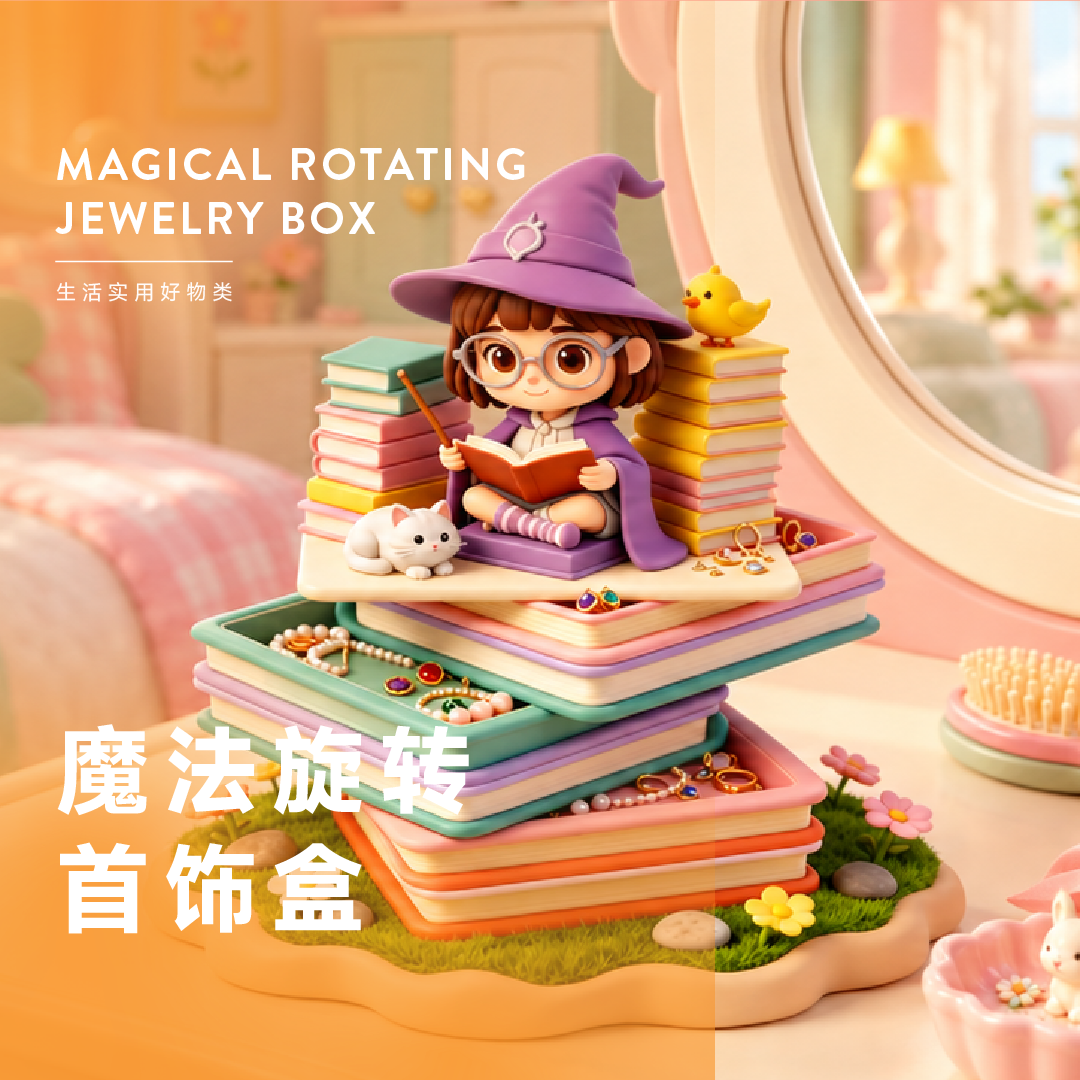
Magic Jewelry Box

Magic Jewelry Box

A little magical surprise that every mum would love to receive.

Unified Method

One eight-step creation method

The method stays consistent while depth and project complexity grow from L1 to L5.

  1. 01

    Discover

    Spot problems

  2. 02

    AI ideas

    Explore options

  3. 03

    AI modeling

    Generate & refine

  4. 04

    3D design

    Shape & size

  5. 05

    3D print

    Slice & print

  6. 06

    Assemble

    Join parts

  7. 07

    Test

    Fix & improve

  8. 08

    Showcase

    Present & share

SIX SIGNATURE PROGRAMS

Everything Engine – Six Signature Programs

Six clear, enrollment-ready 12-lesson programs. Run each independently or combine them into a complete annual curriculum, with themed lessons, course details, and learner work.

Finding courses…
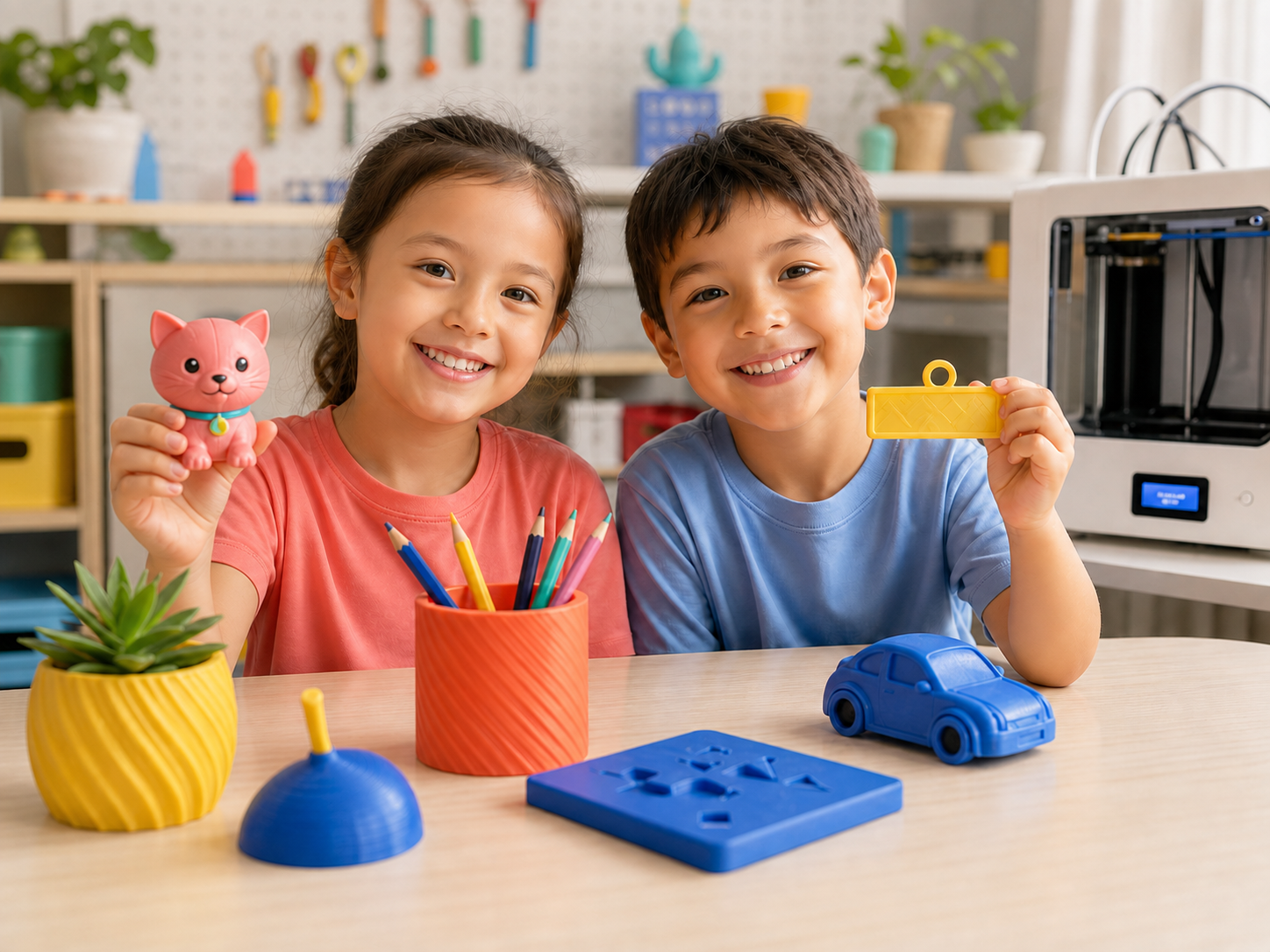
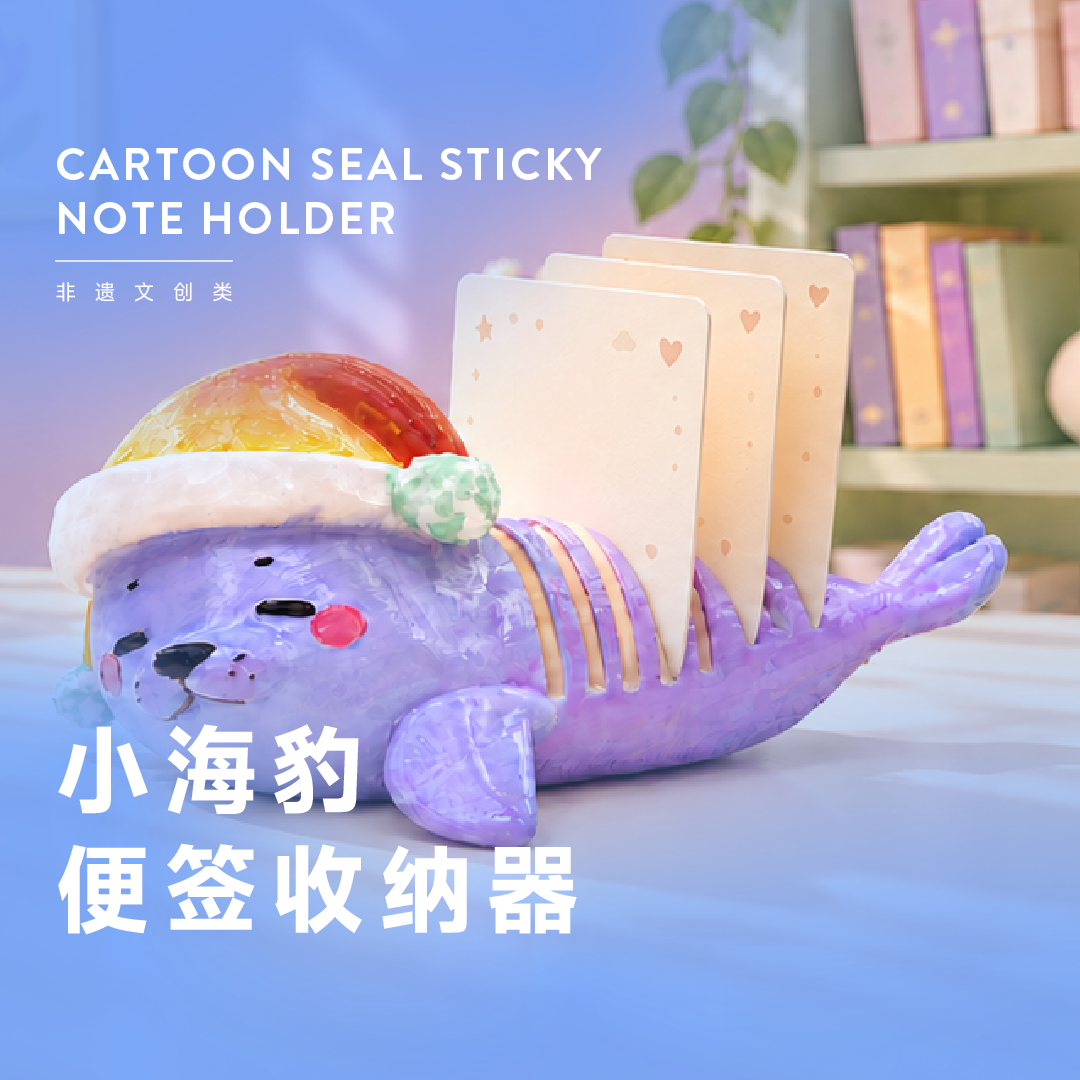
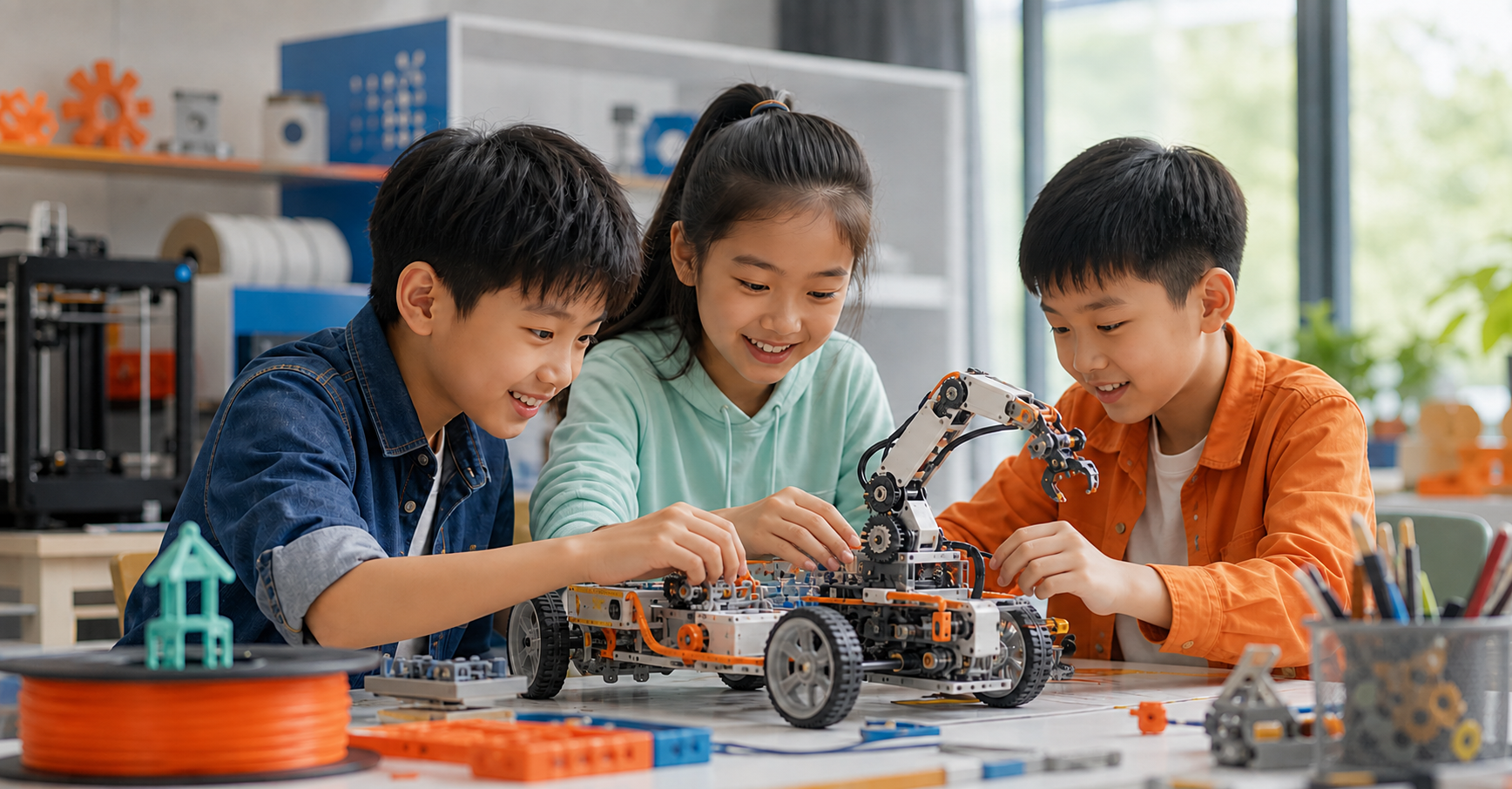
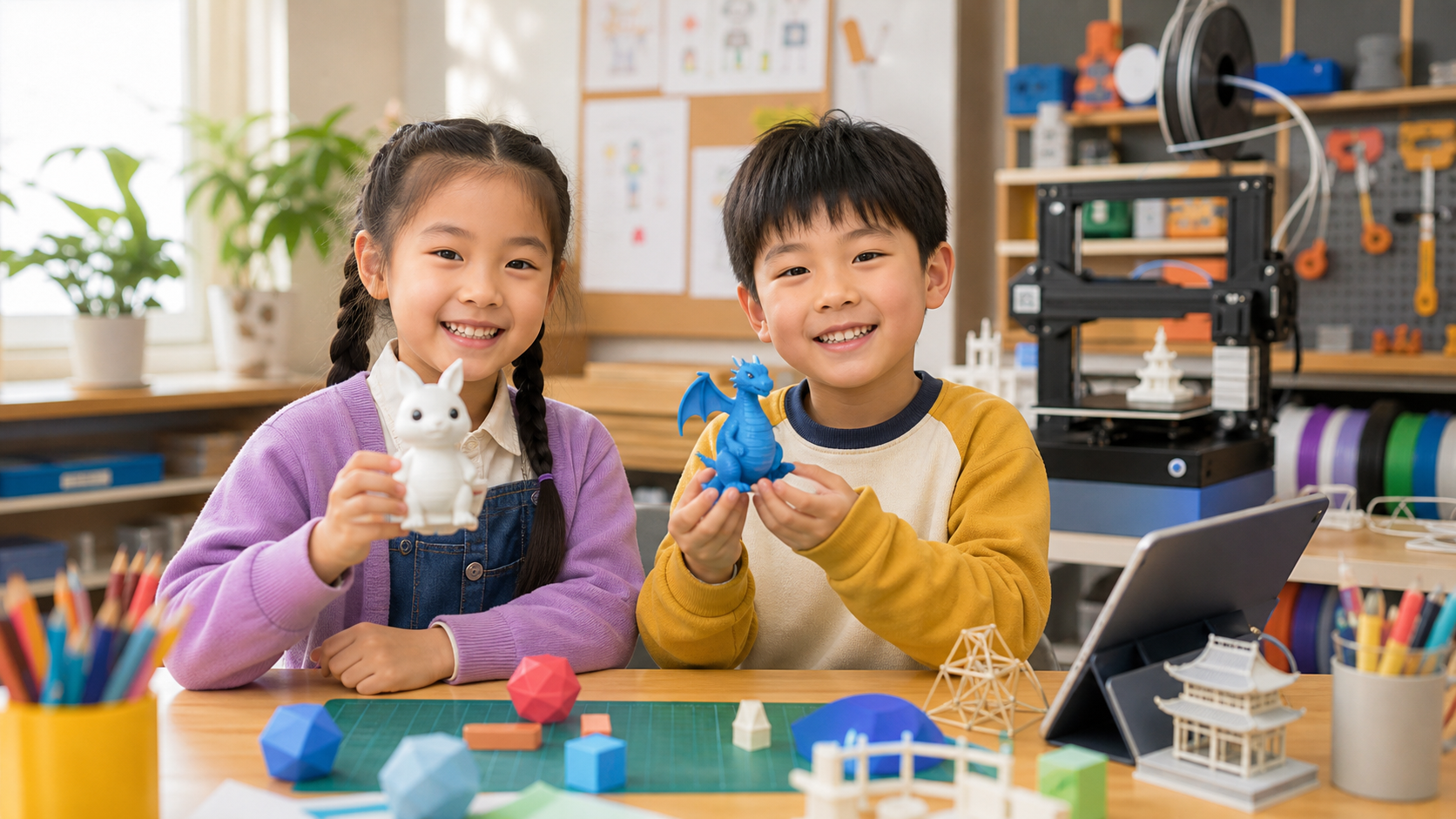
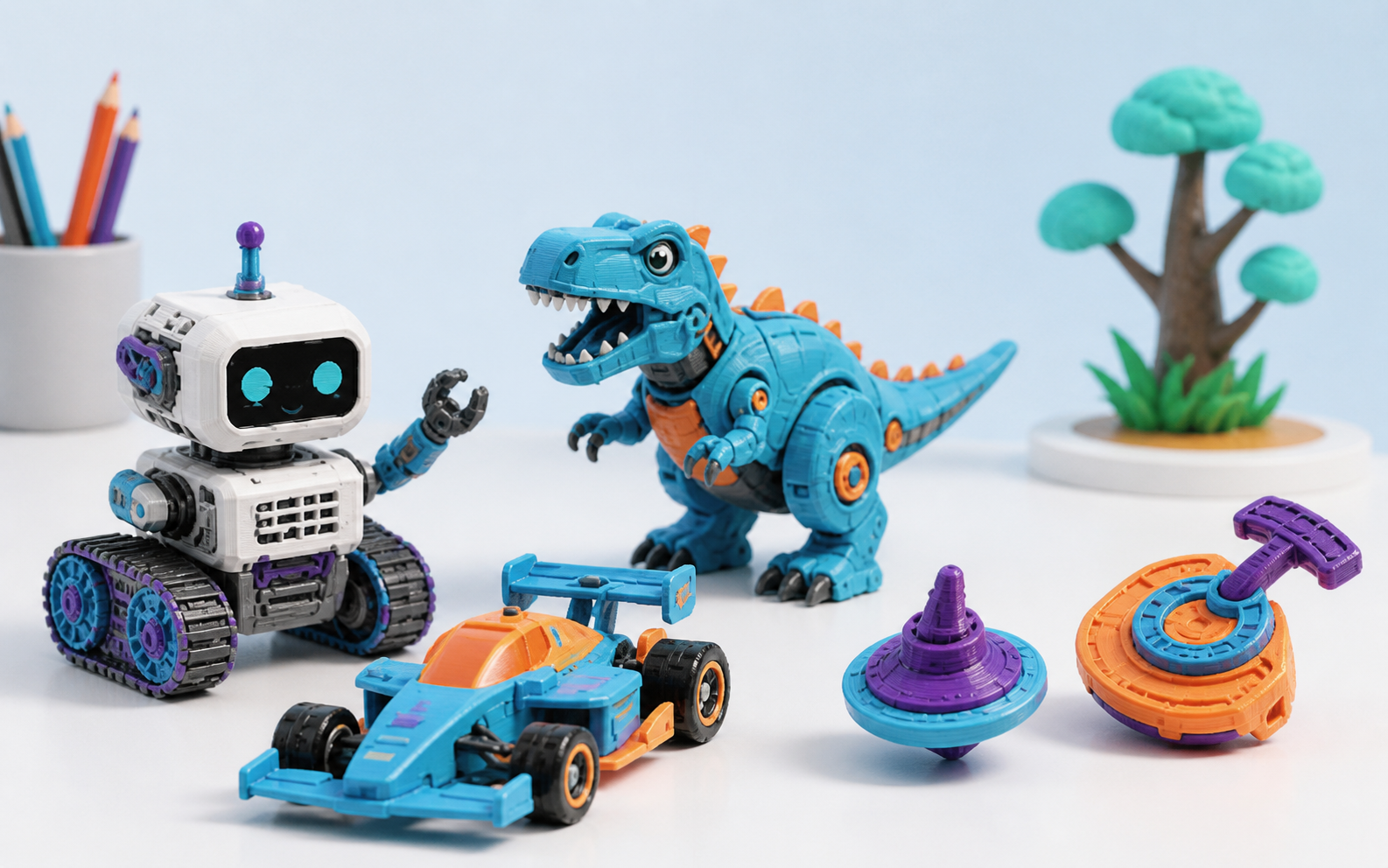
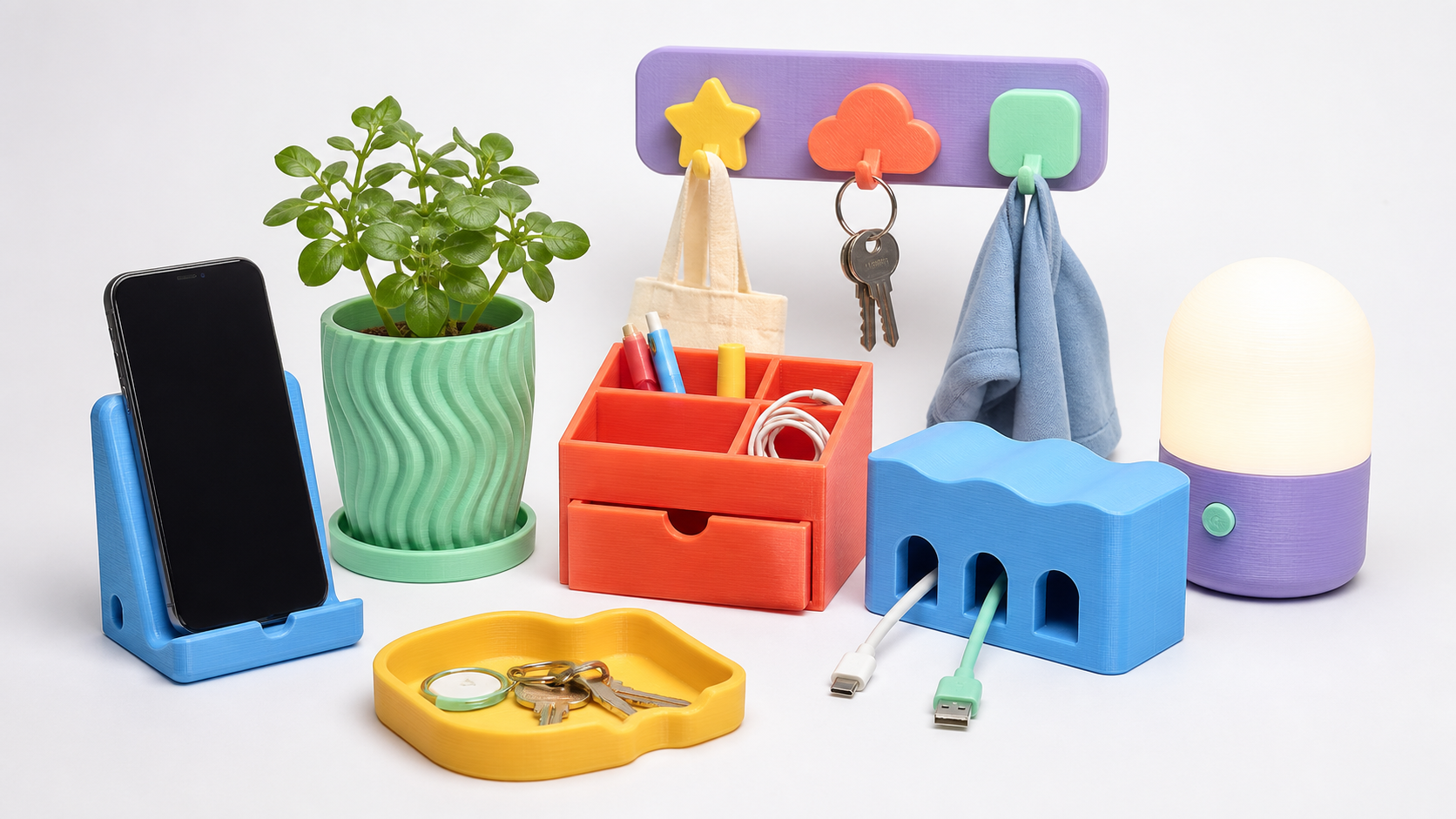
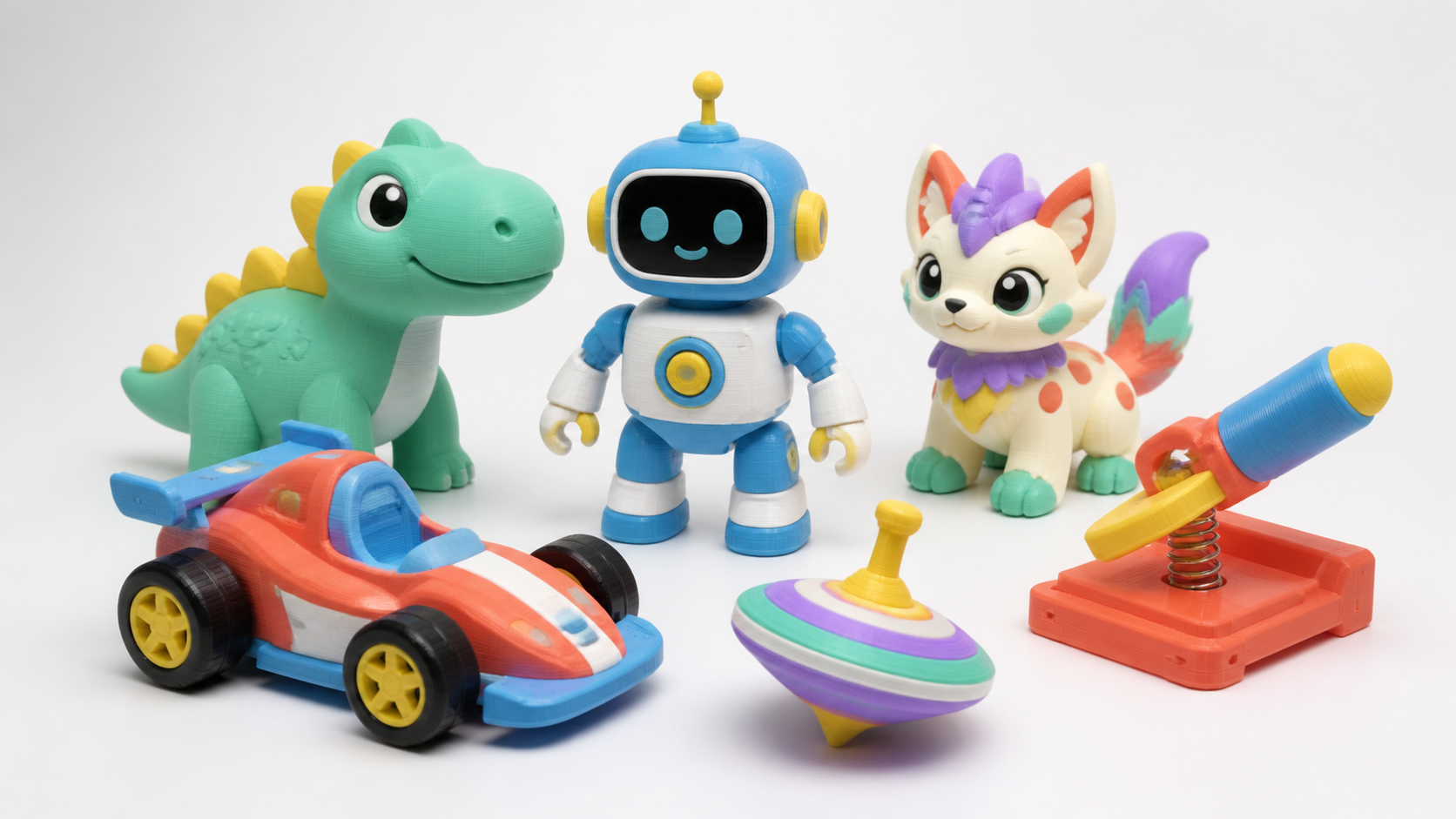
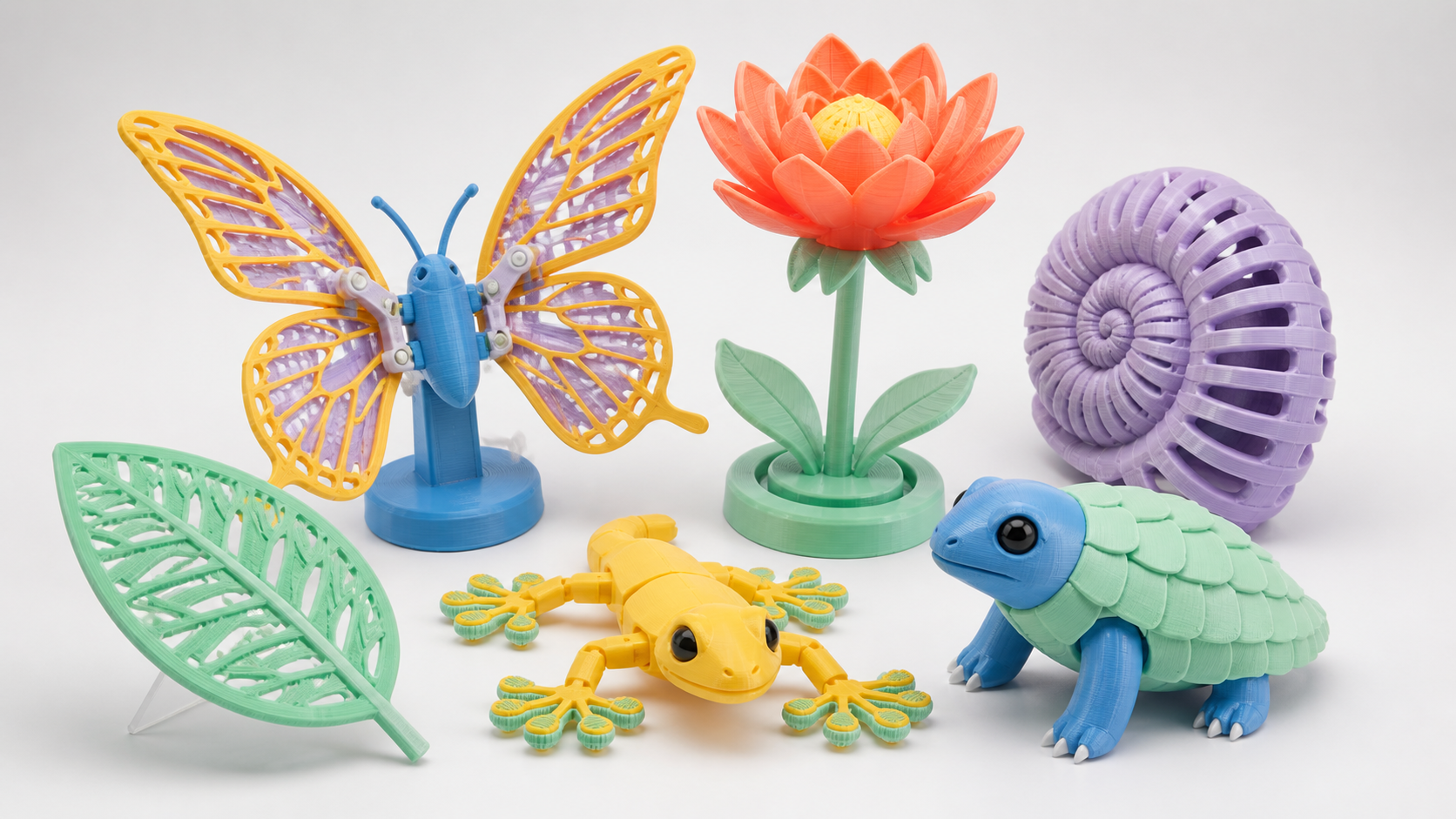
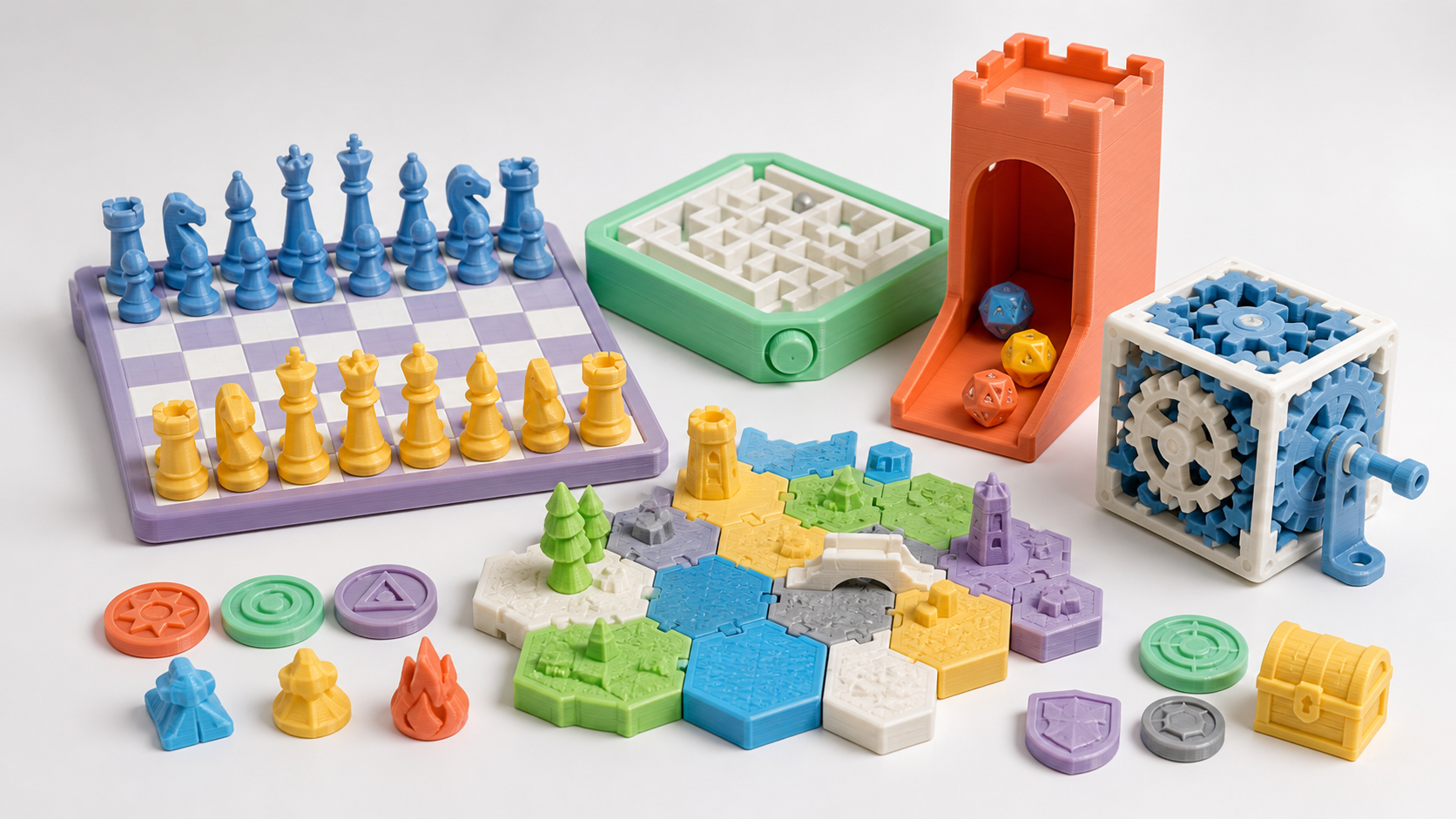
Chinese children creating toys, stationery, and desk tools
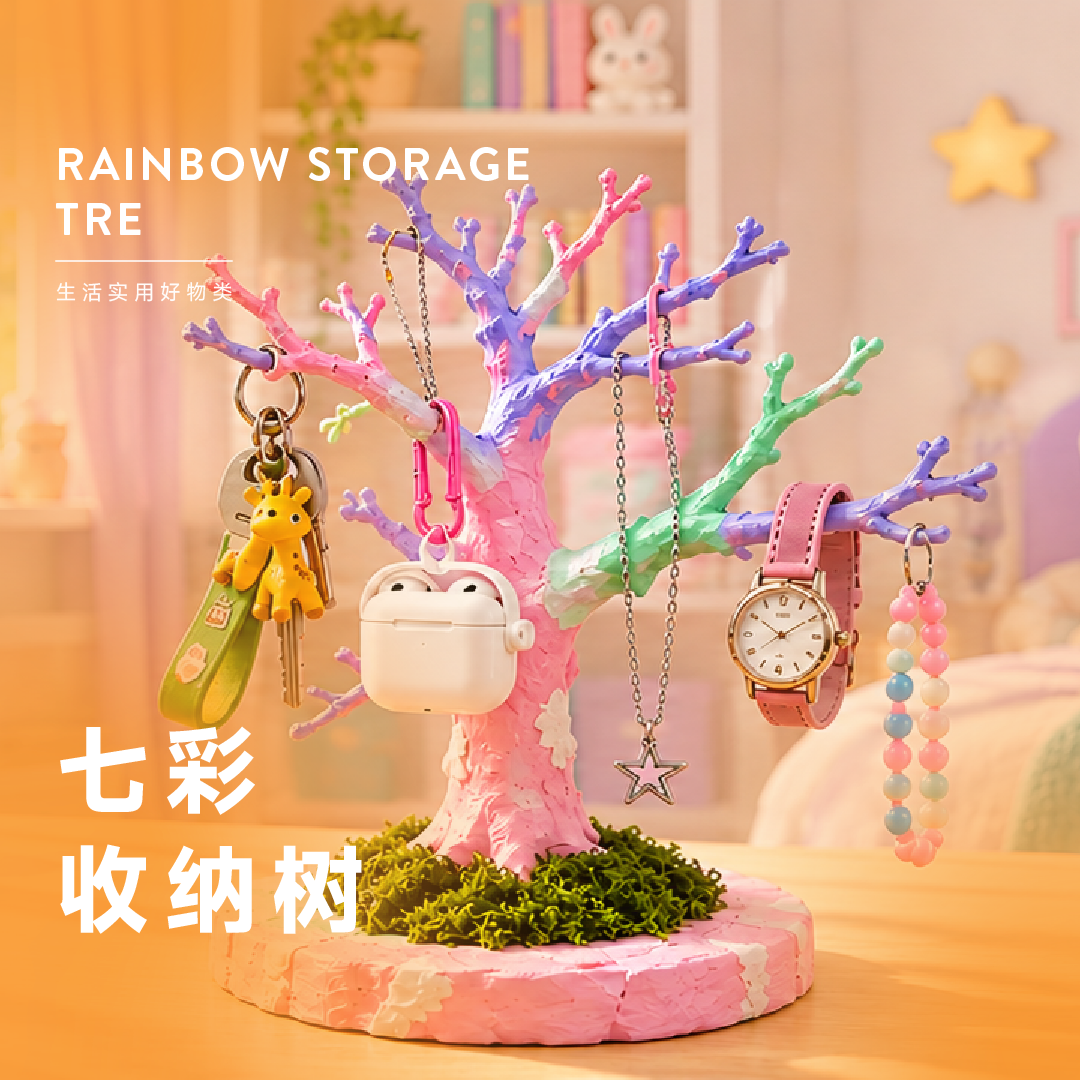
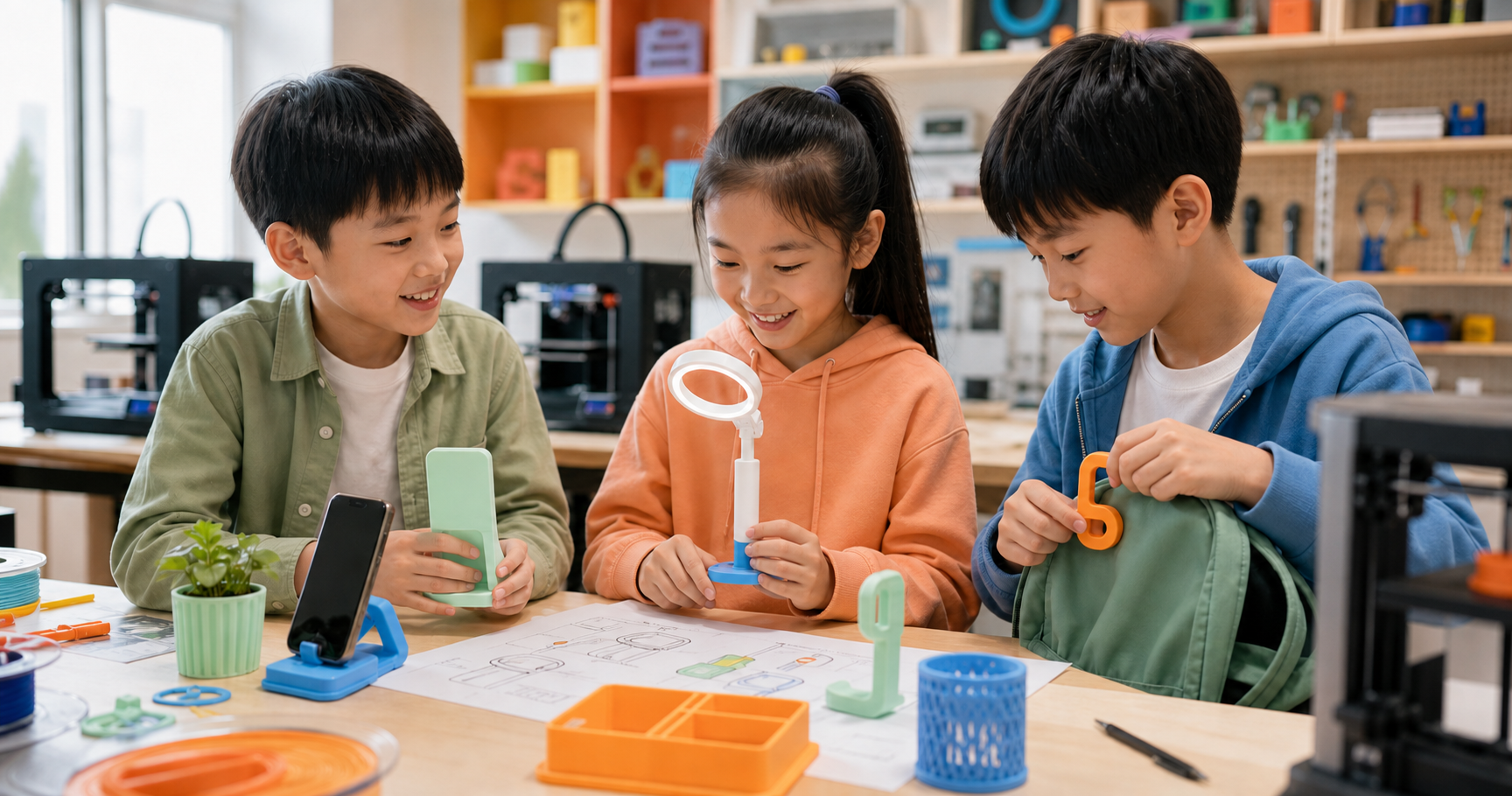
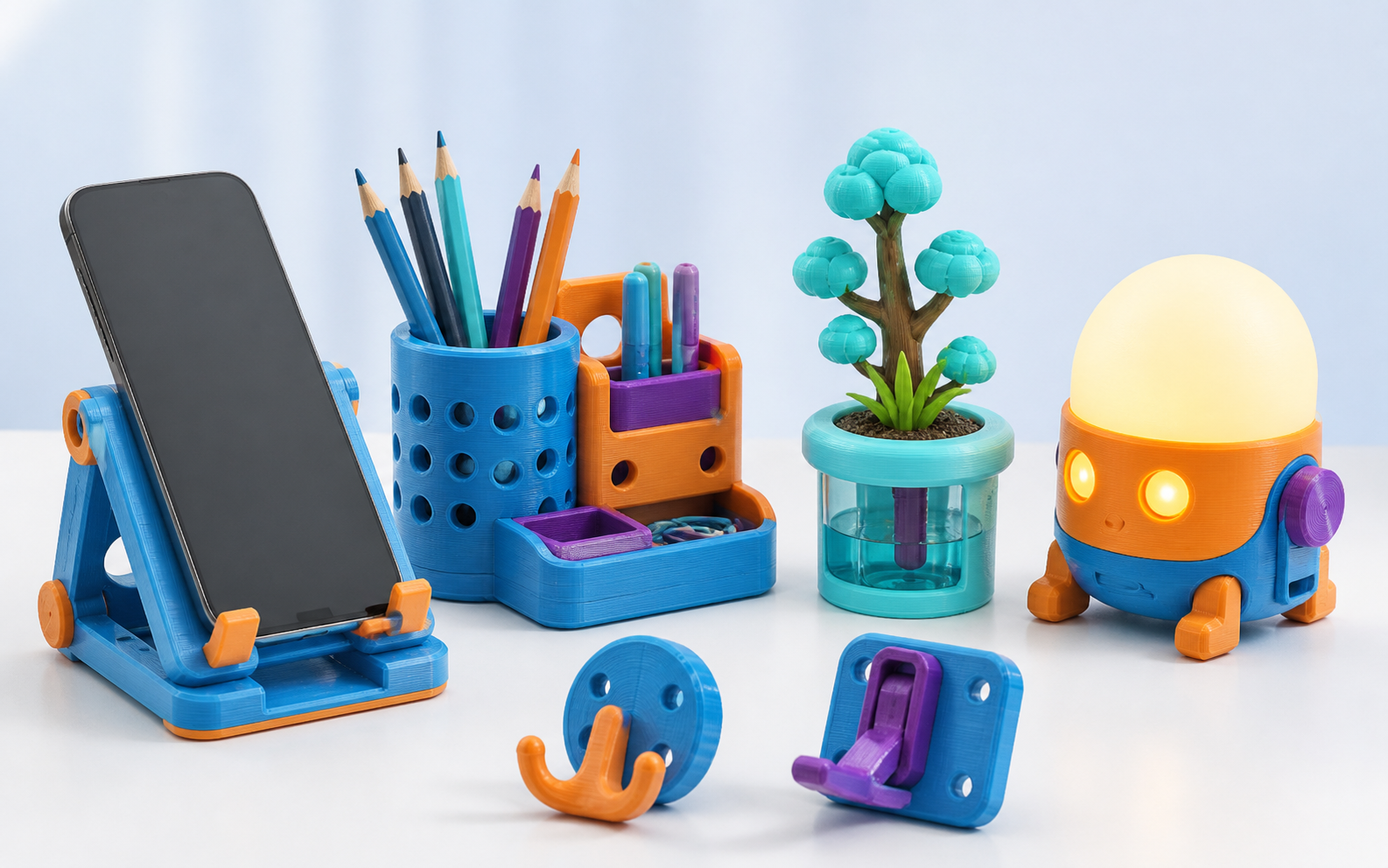
Chinese children designing practical inventions for daily life
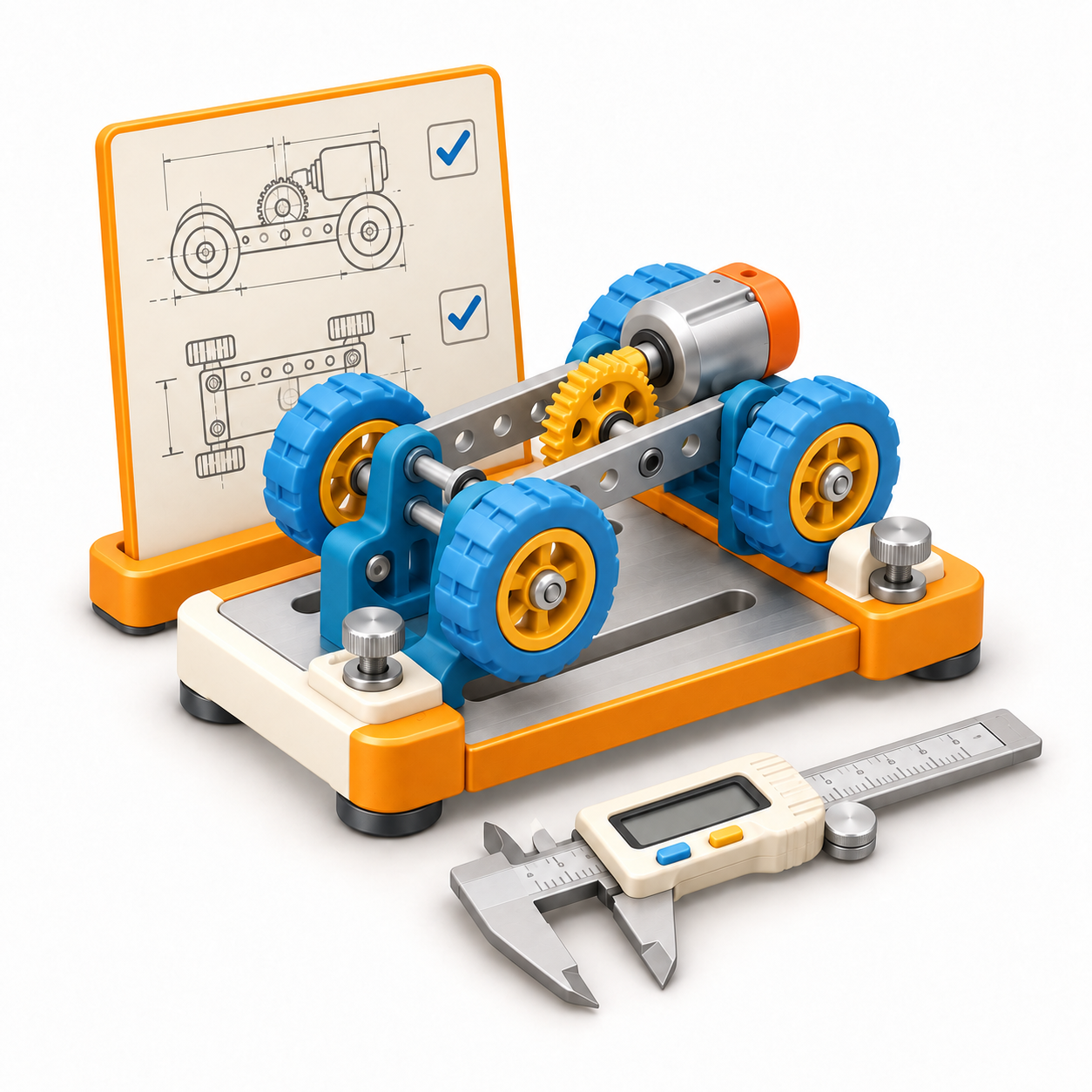
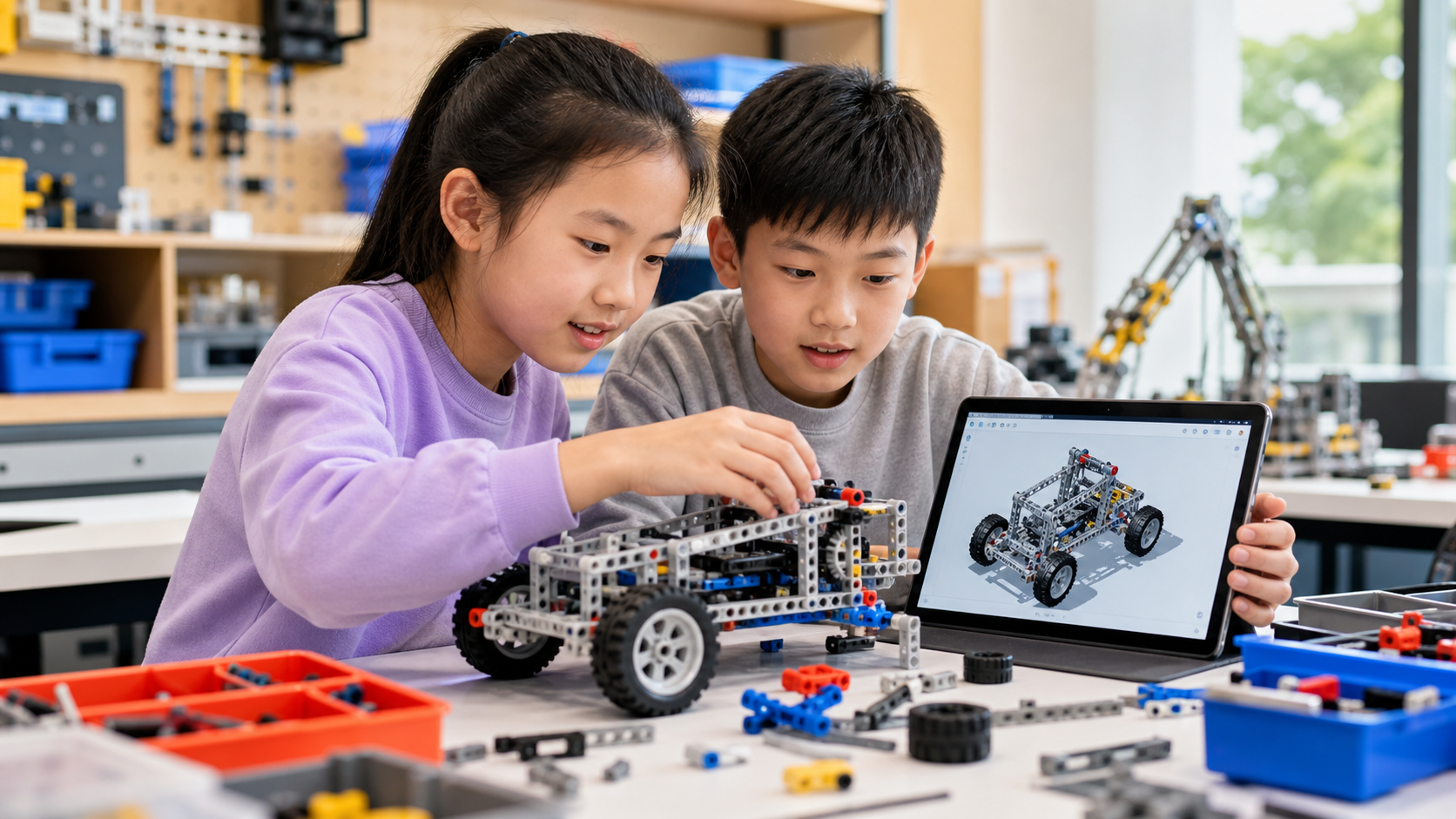
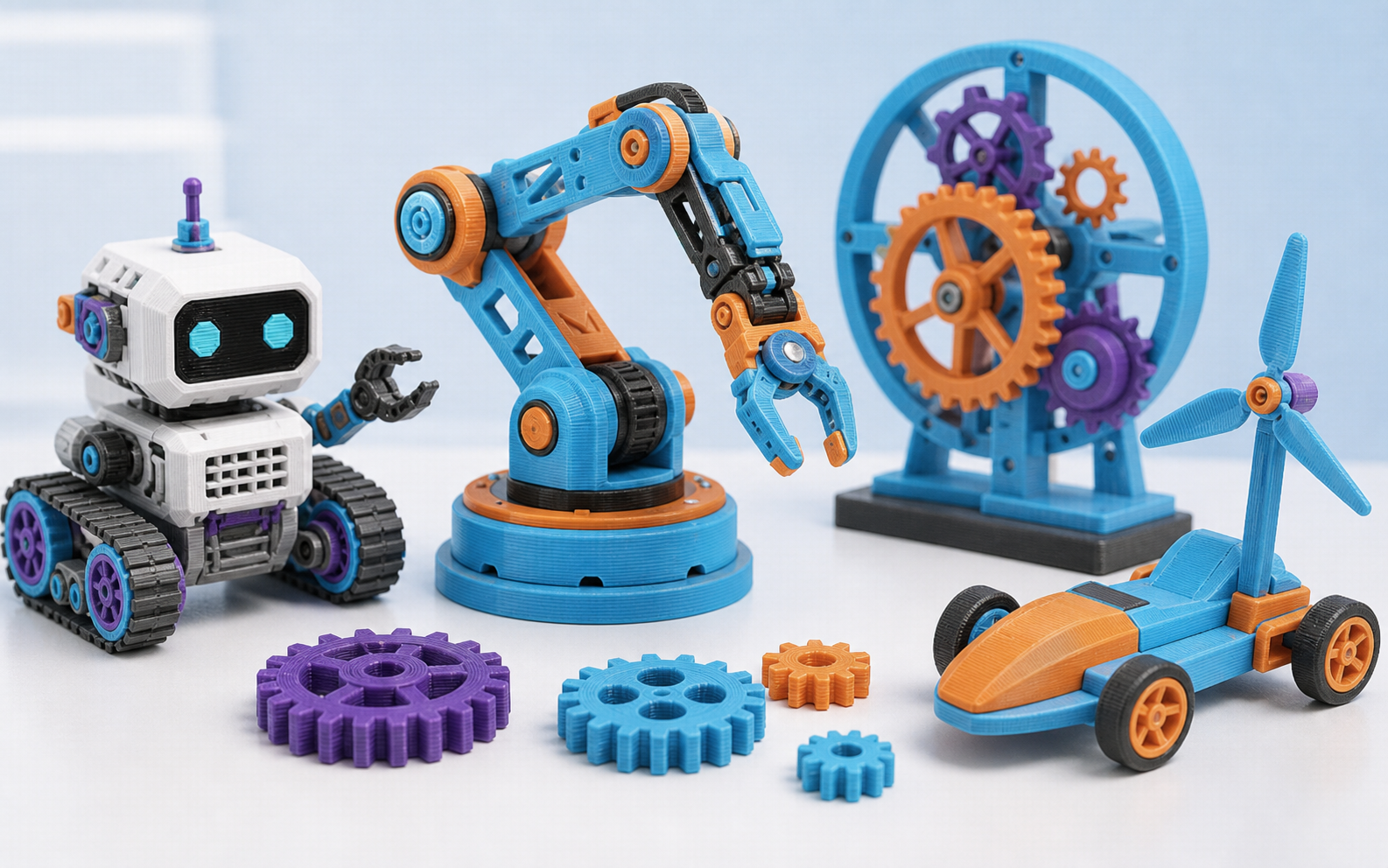
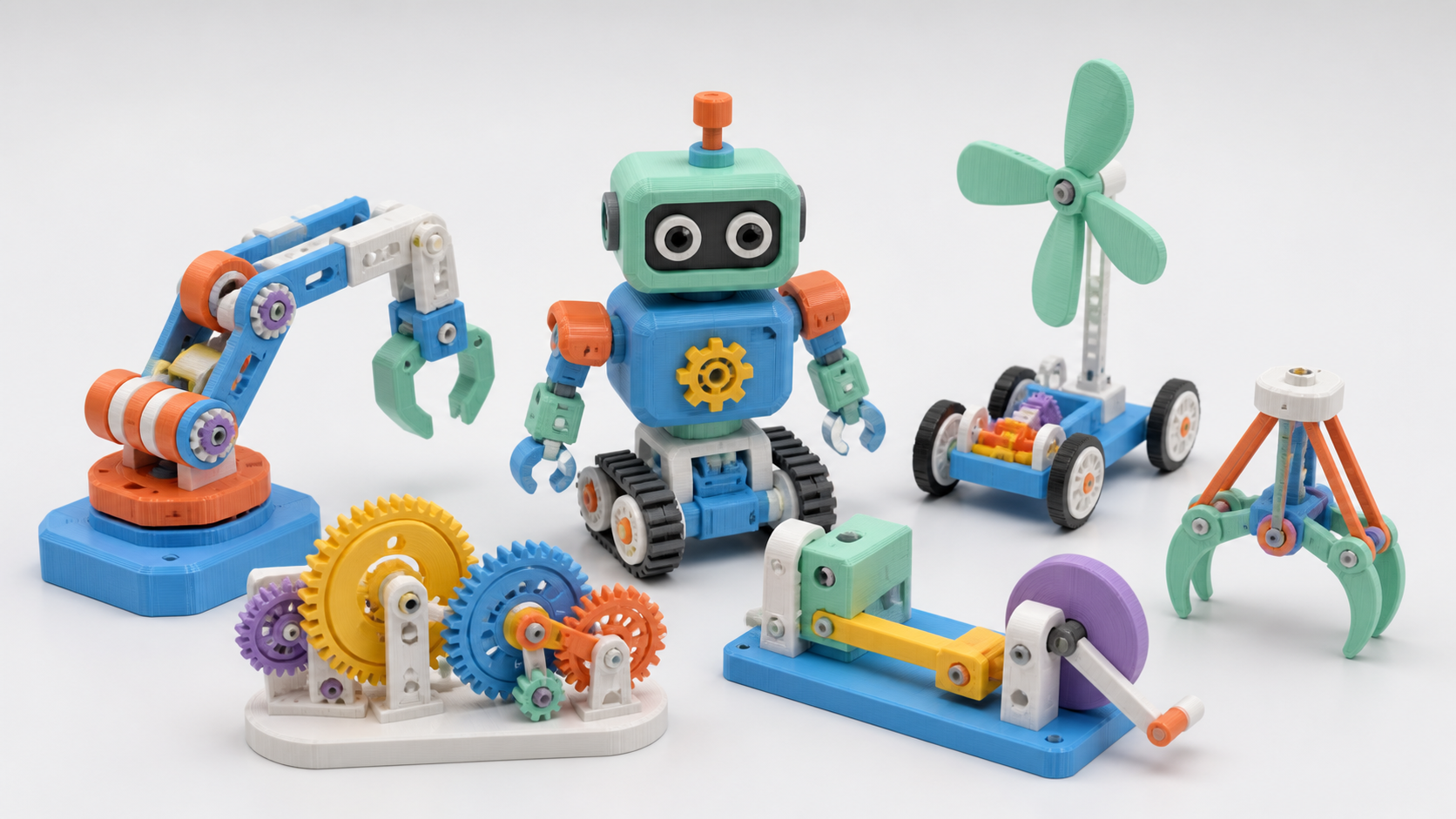
Chinese children building mechanical future mobility inventions
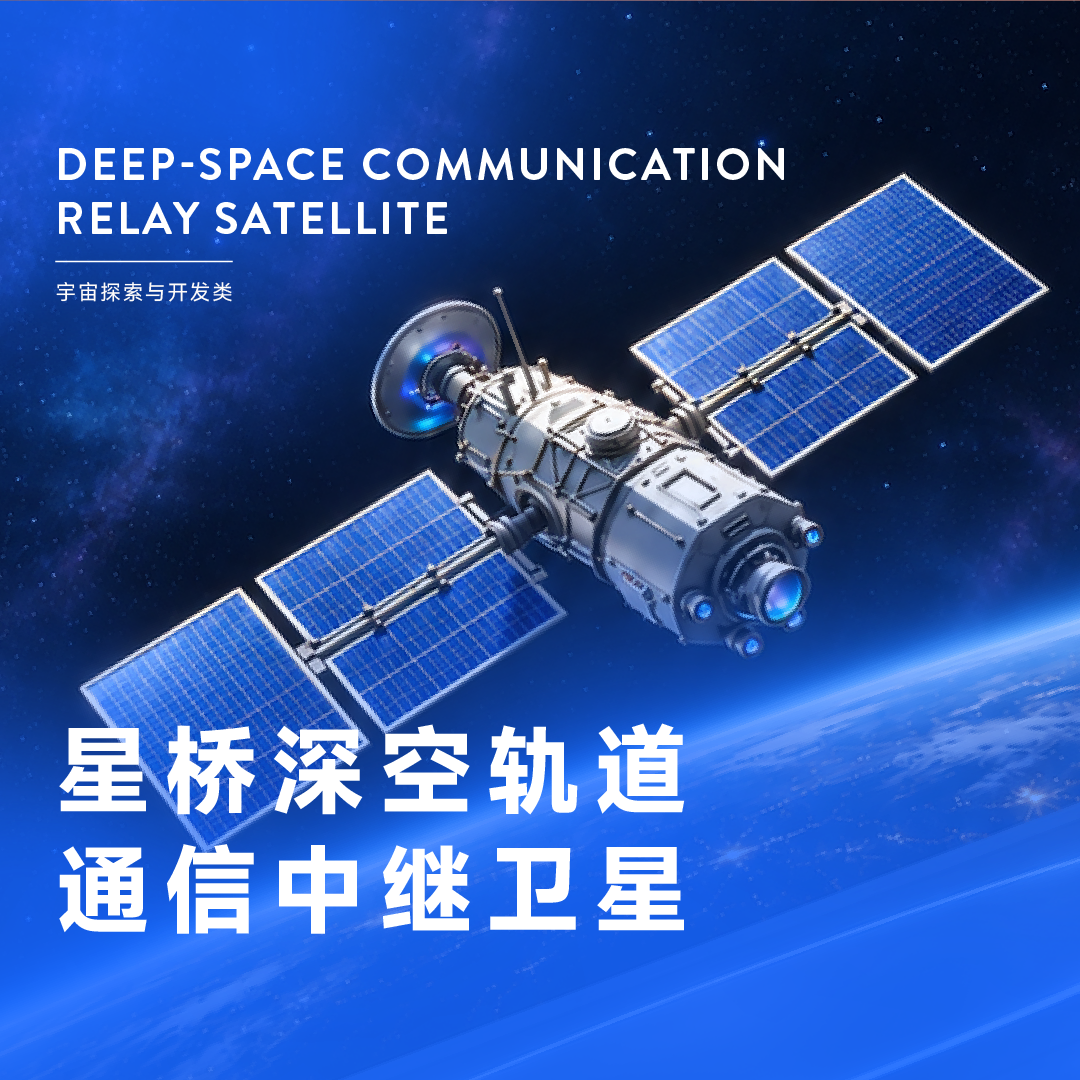
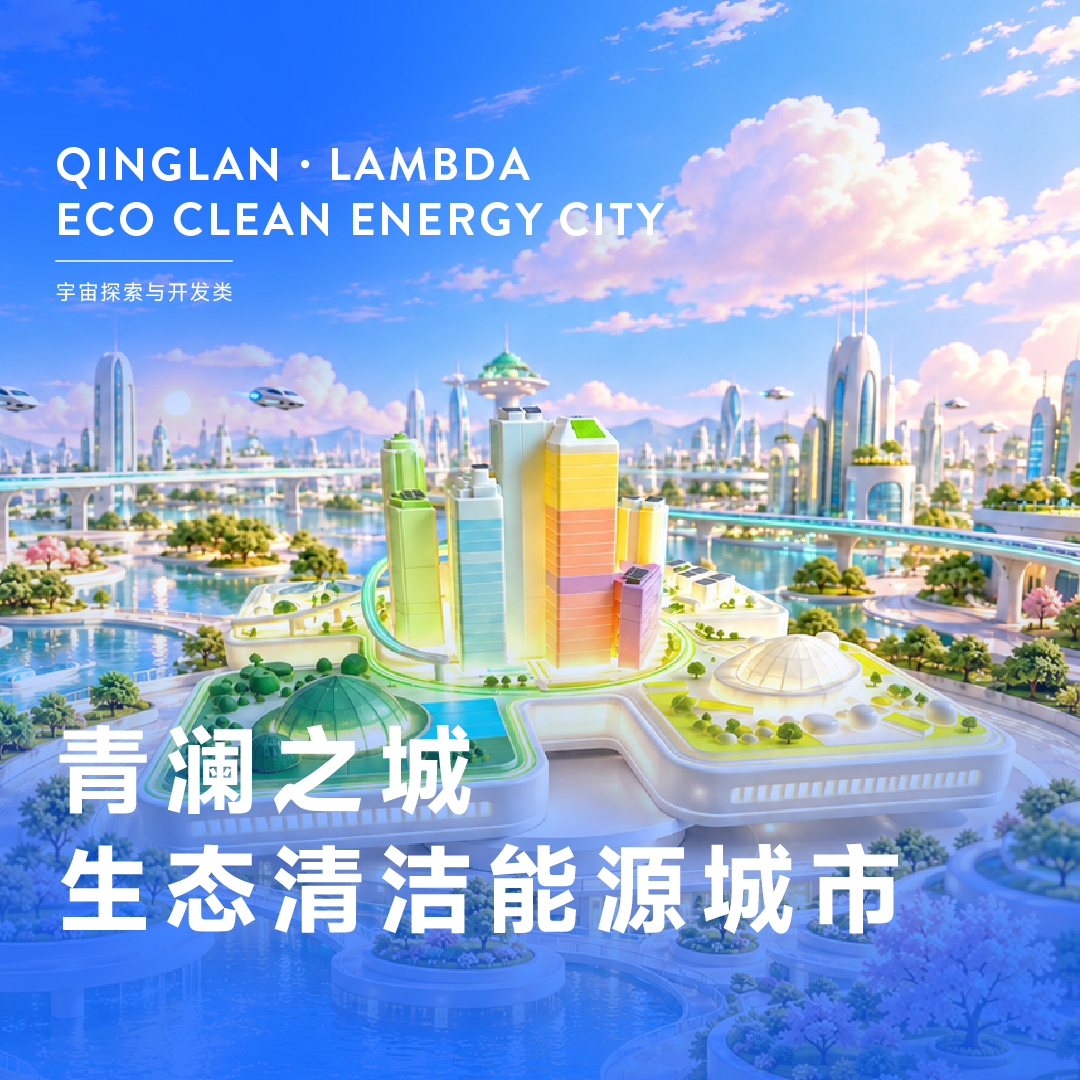
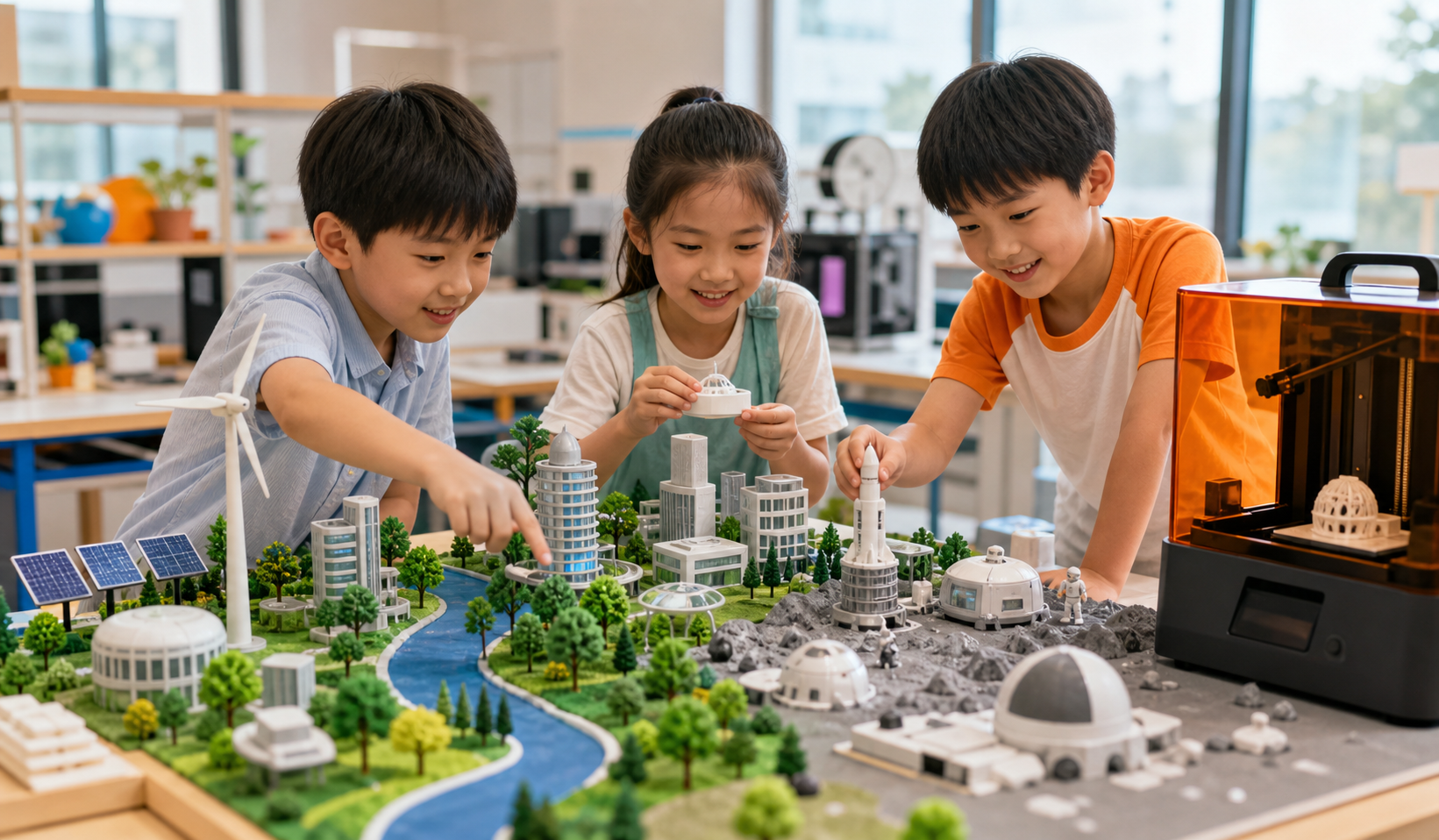
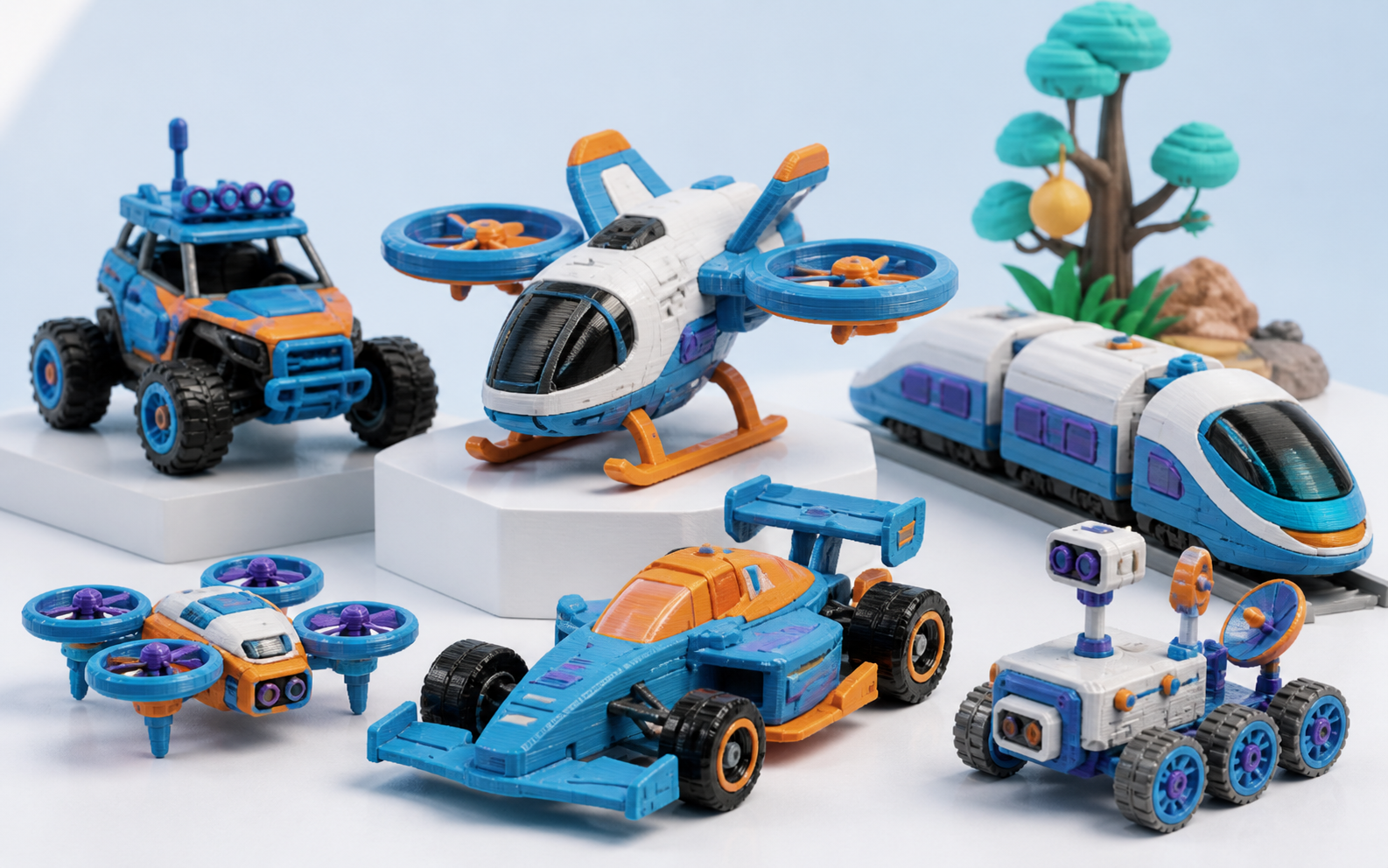
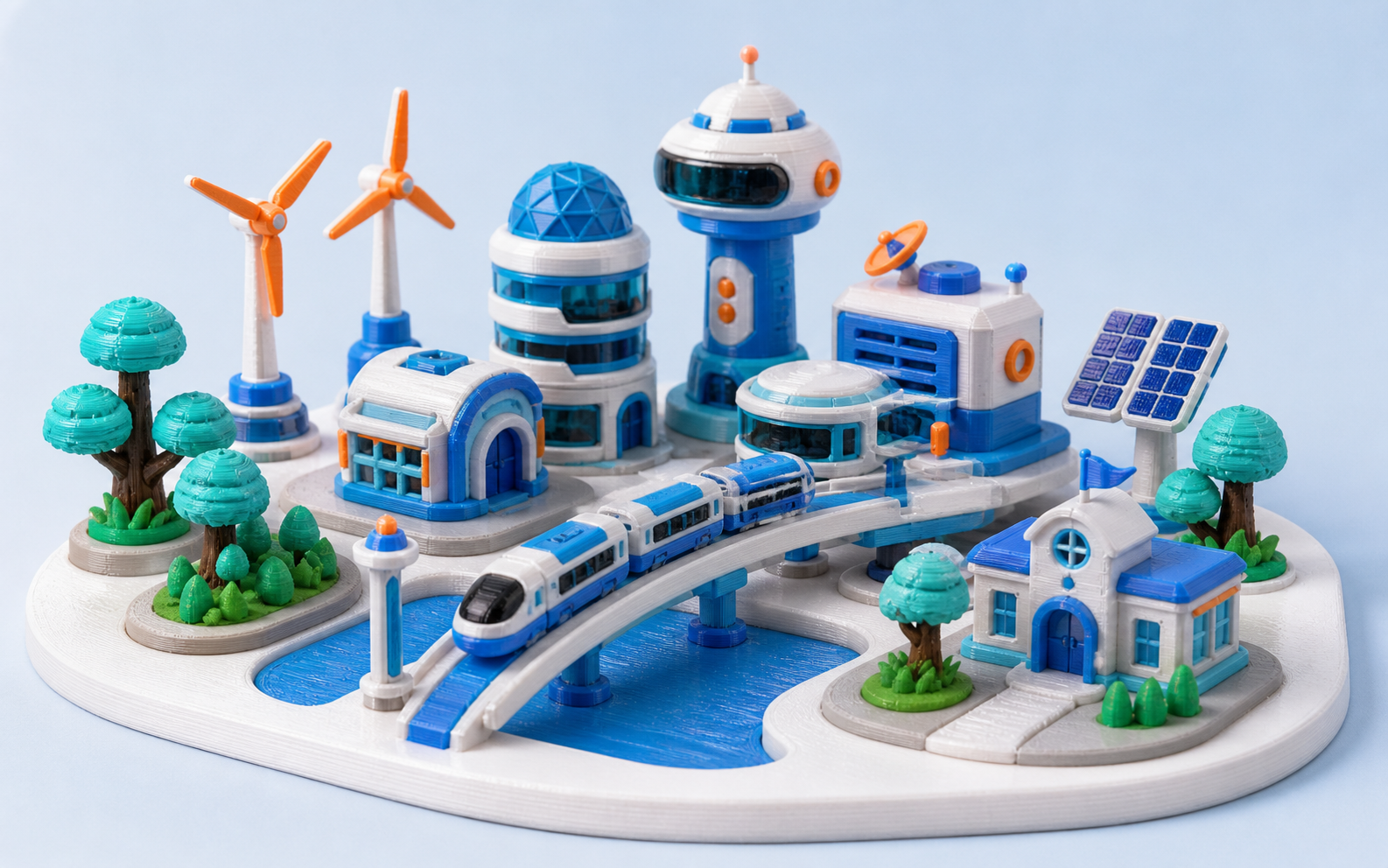
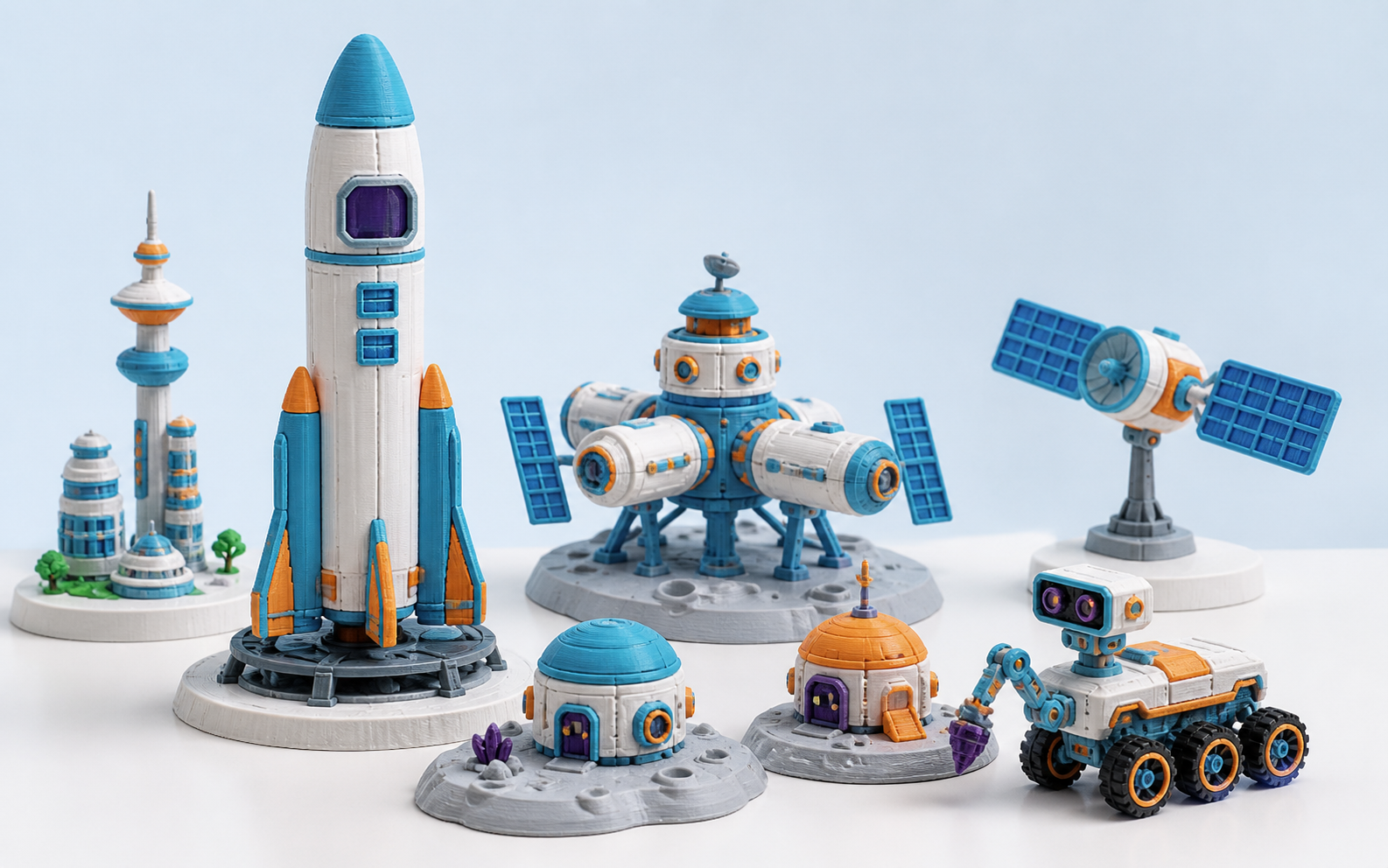
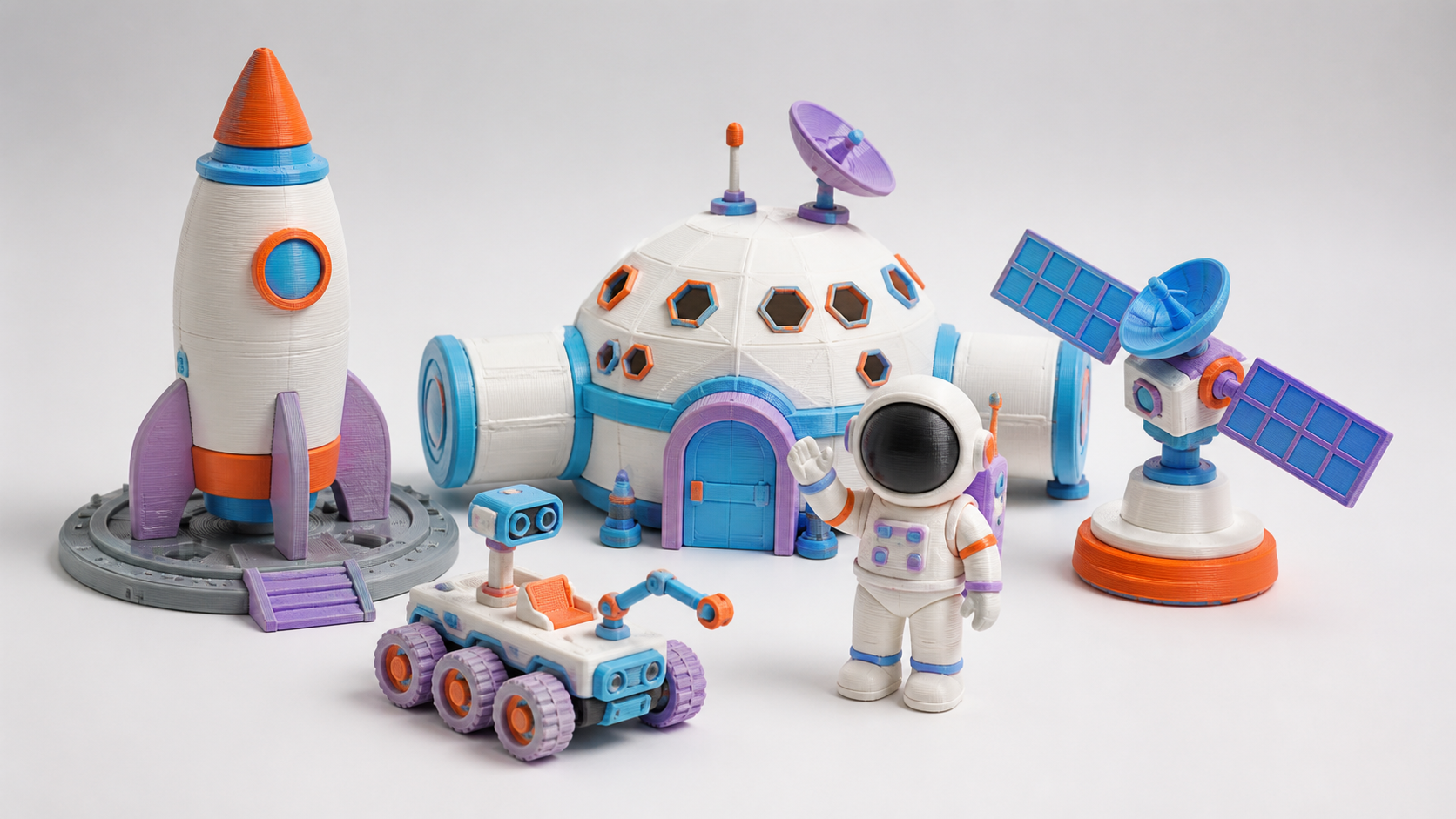
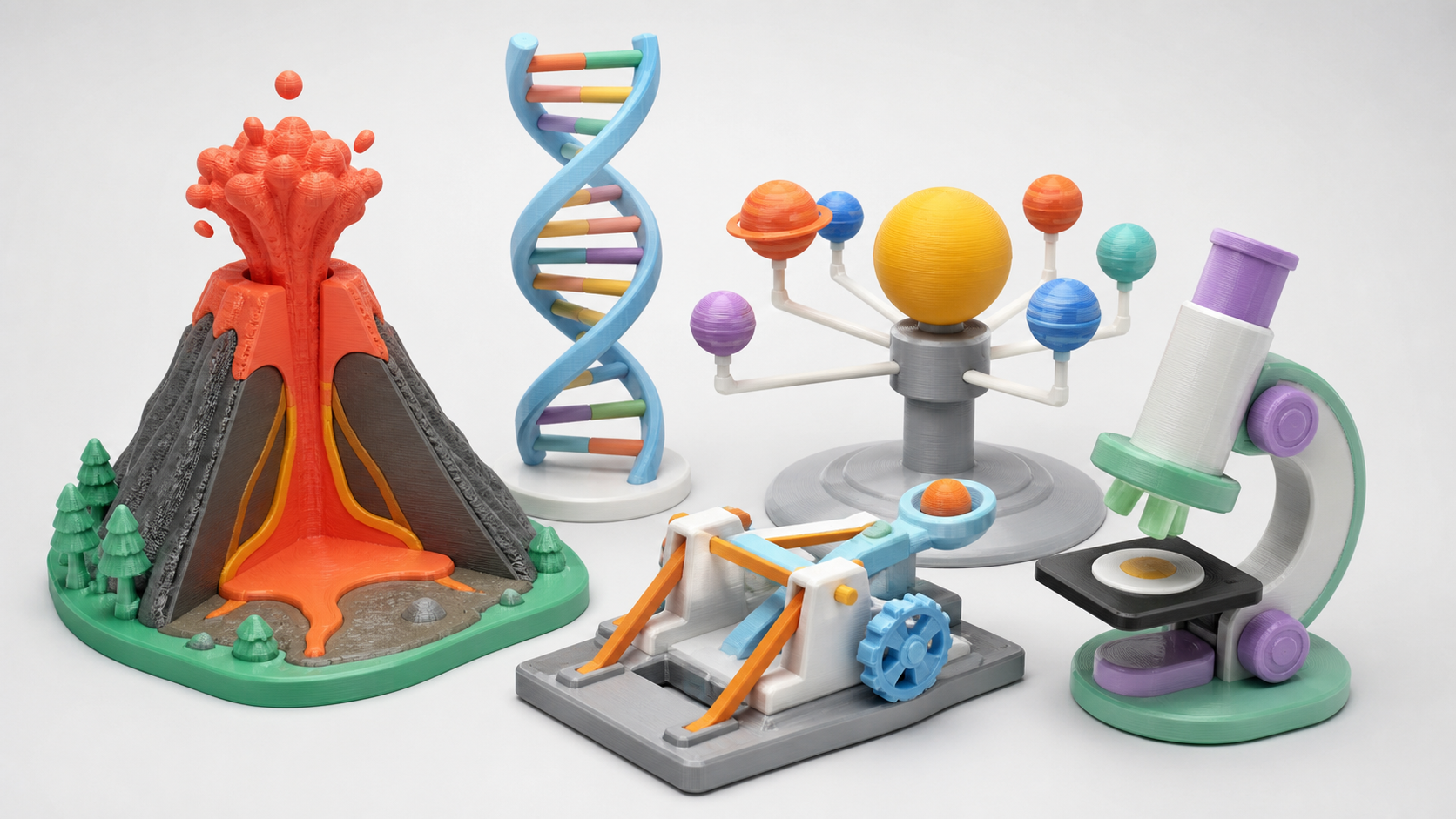
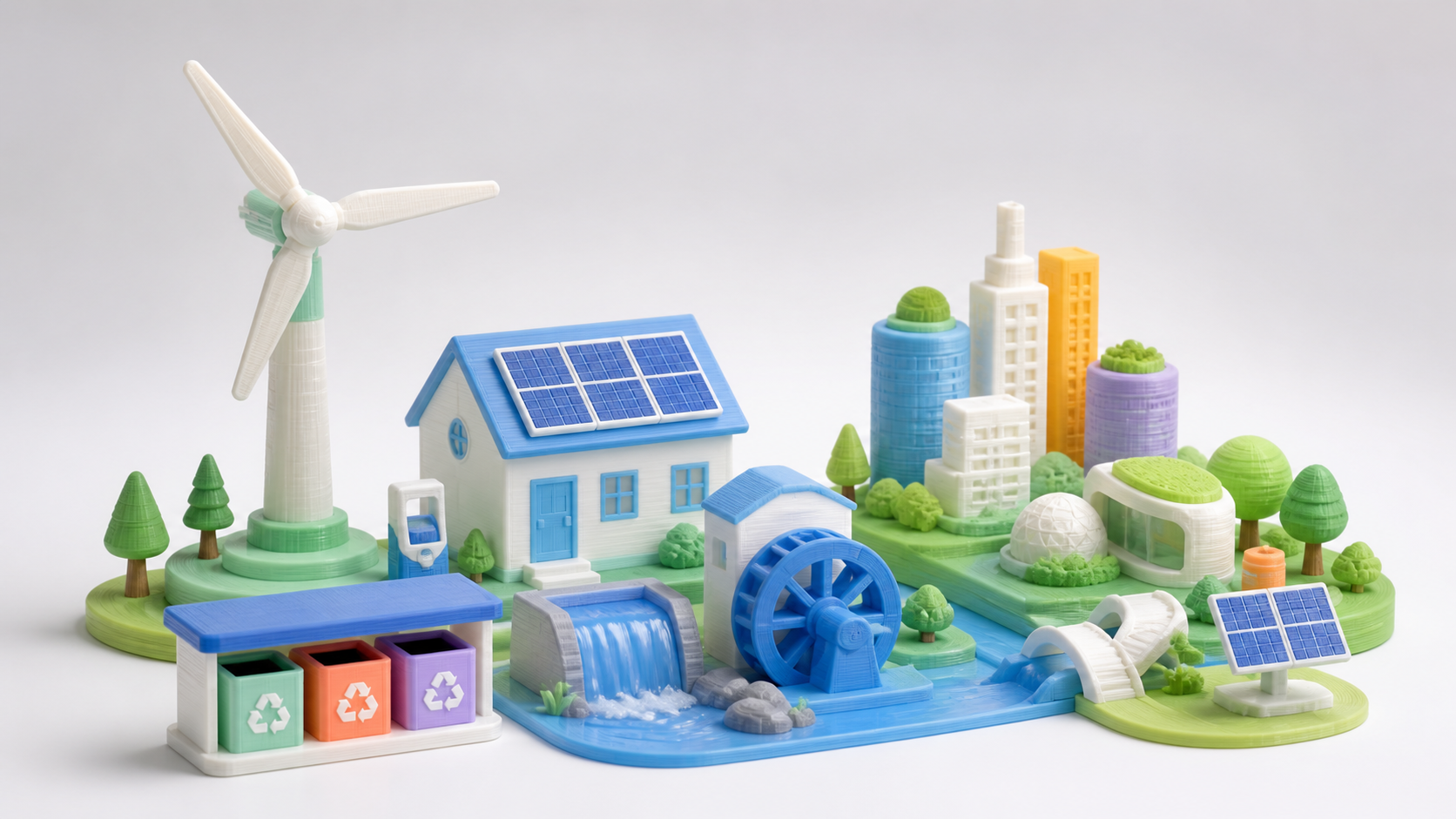
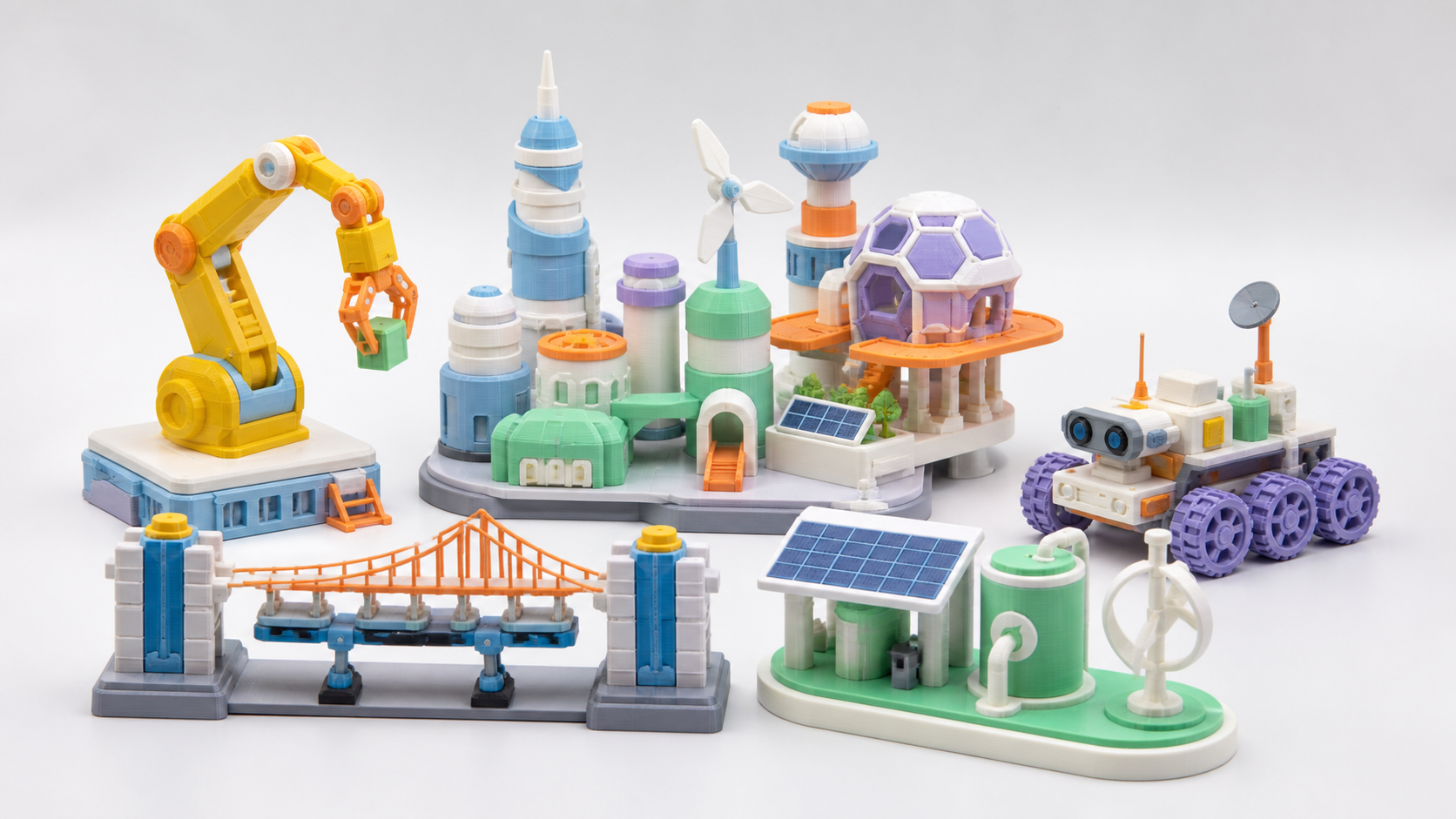
Chinese children creating a future world of nature, clean energy, and space

EVERYTHING CAN INSPIRE

Everything around a child can become a creation theme

Find worthwhile problems in toys, learning, daily life, transport, nature, and the future.

Start with play, move toward purpose, and learn to solve real problems through engineering.

Finding courses…

GROW WITH CREATION

Deeper thinking, not just harder printing

Start from curiosity, master a complete creative process, and grow into a confident problem solver.

Learners aged 6–8 creating 3D projects
6–8 yrs

Creative start

Turn an idea into a first creation

  • Imagine & express·Build confidence through open expression
  • AI support·Use AI to expand an original idea
  • Model making·Make and finish a physical creation
Learners aged 8–10 creating 3D projects
8–10 yrs

Design exploration

Design with structure and purpose

  • Structure·Understand structure and principles
  • Design·Compose, design, and refine
  • Function·Make a creation work and move
Learners aged 10–12 creating 3D projects
10–12 yrs

Innovation in practice

Solve real needs through invention

  • Needs analysis·Find a problem and define the goal
  • Solution design·Plan and validate a solution
  • Test & improve·Build, test, and keep improving
  1. 01Creative startTurn an idea into a first creation
  2. 02Design explorationDesign with structure and purpose
  3. 03Innovation in practiceSolve real needs through invention

Growing older is not about making harder objects—it is about mastering a fuller creative process.

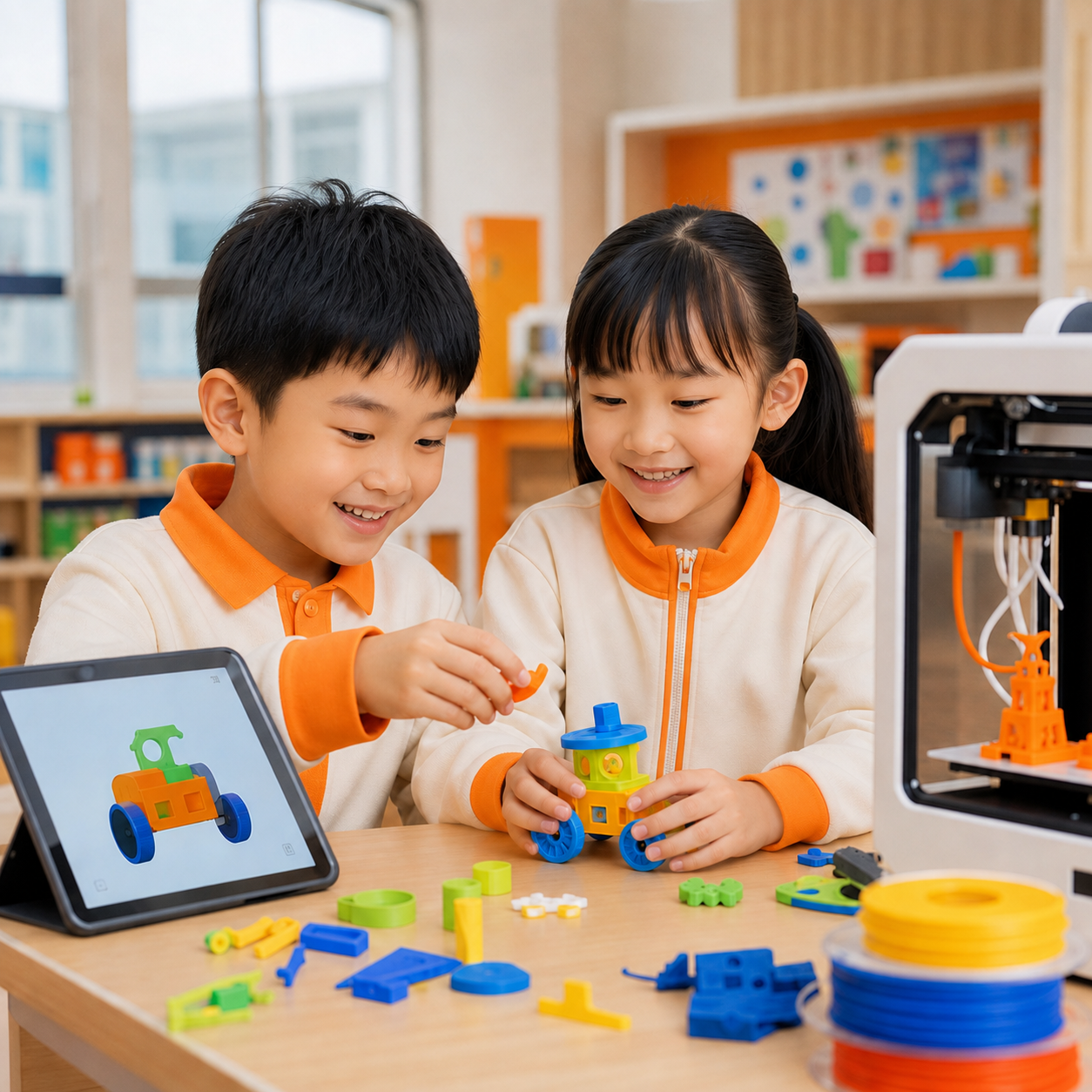
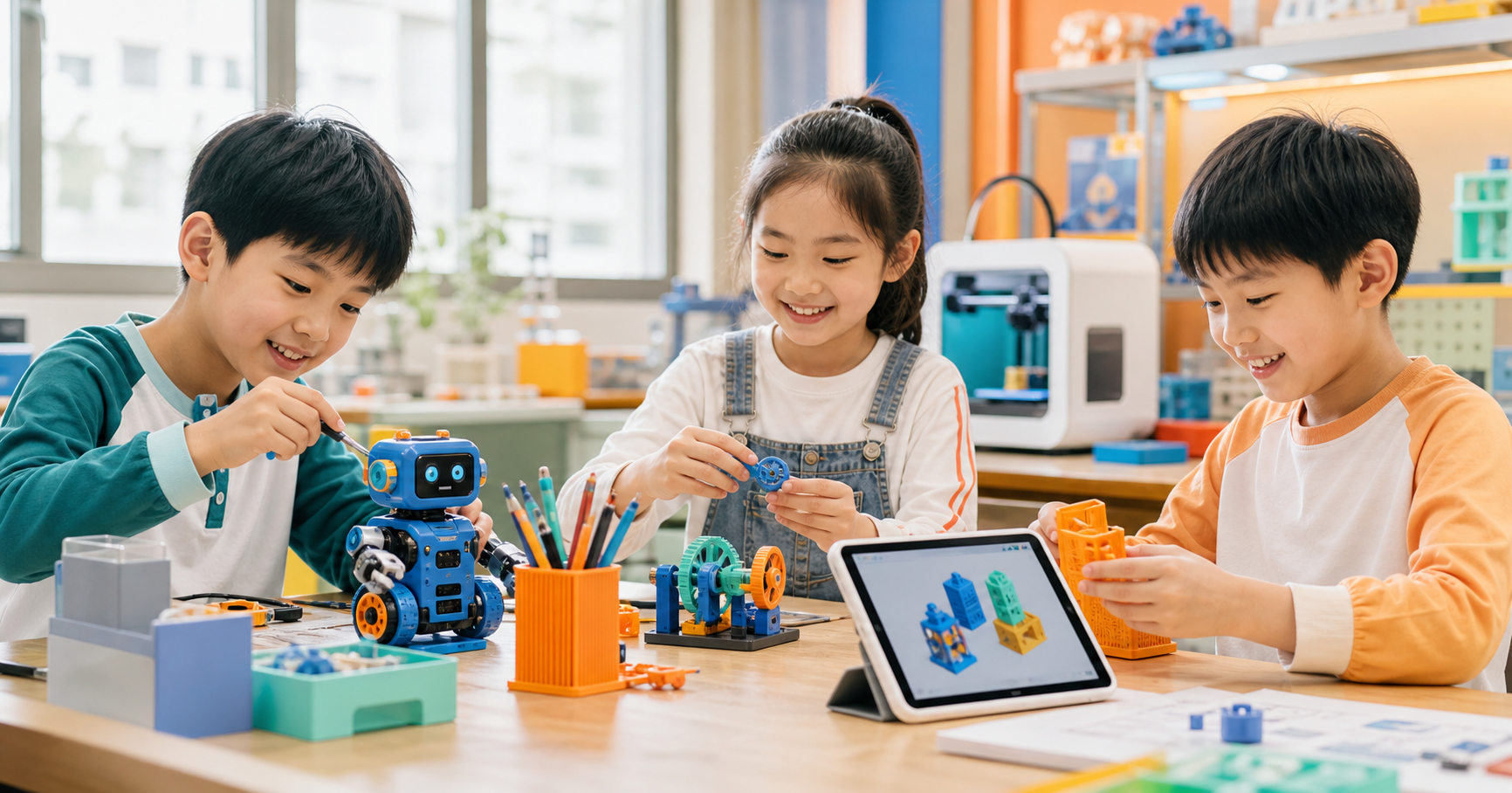
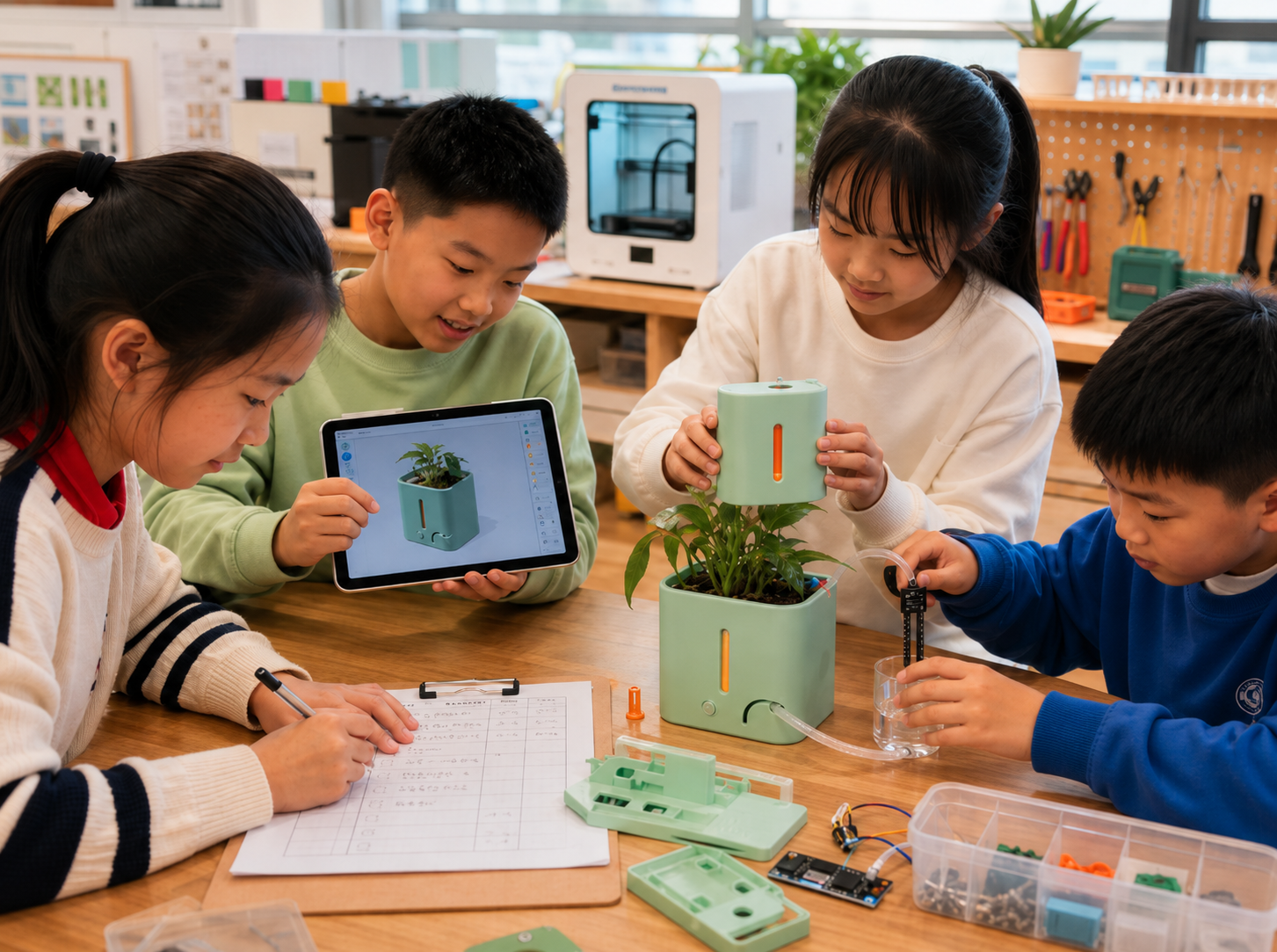
Children complete 3D modeling, printing, assembly, and testing together

ONE CREATION LOOP

Every class completes a creation loop

A finished work is evidence of thinking, designing, engineering, and improving.

01

Discover

02

Ideate

03

Model

04

Design

05

Print

06

Assemble

07

Test

08

Take it home

A GROWING COURSE

The Everything Engine course universe

Toy LabLife InventorsMechanical WorkshopFuture MobilityArchitecture StudioLife LabGreen EarthRobotics InstituteFuture CitySpace Center
A class creating a future project together

A CLASS CREATES TOGETHER

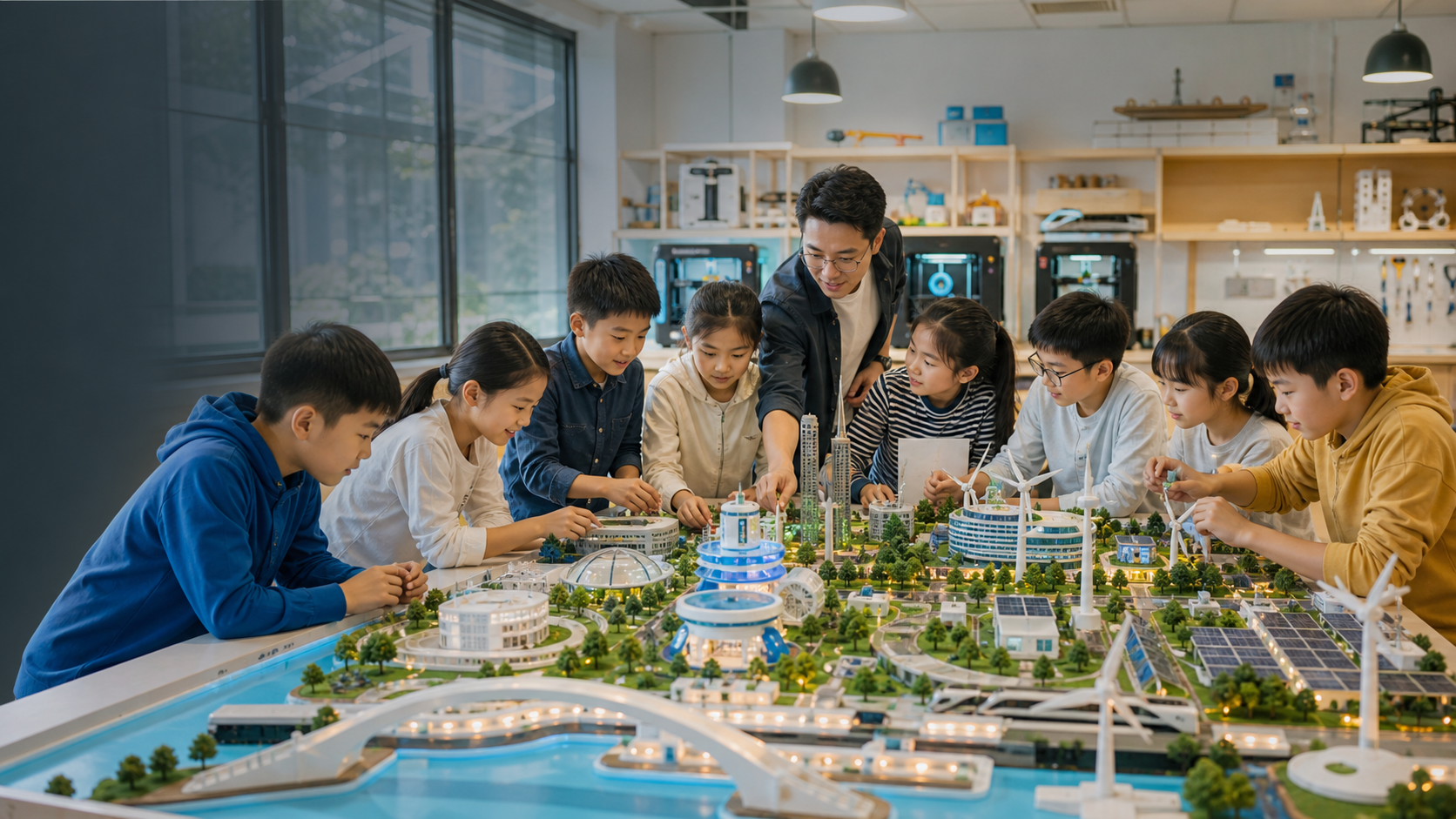
One class creates one city

Every learner creates one real module, then the class assembles a showcase-scale result together.

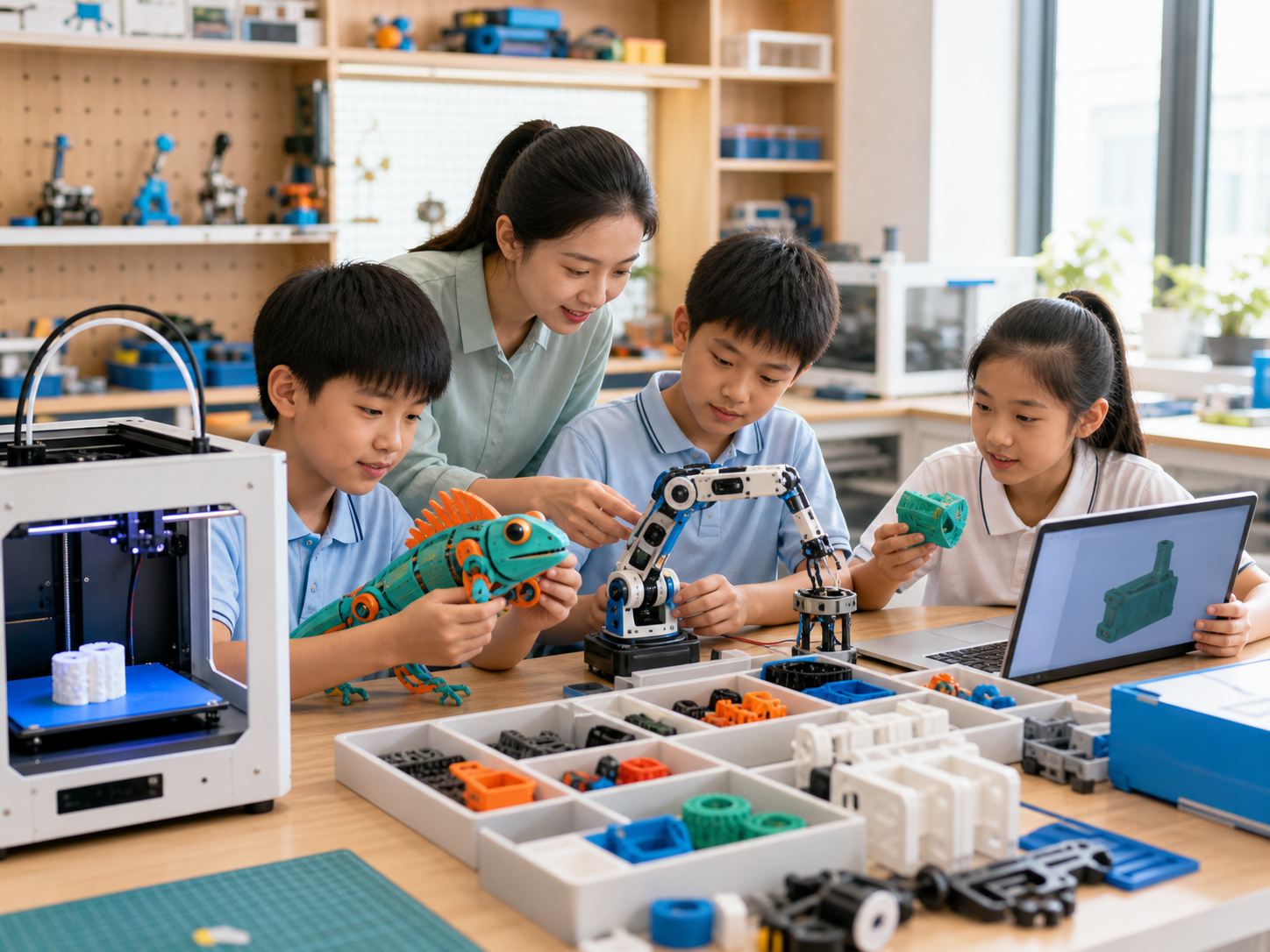
A teacher guiding children through 3D modeling, printing, and assembly

3D model · print · assemble

FOR SCHOOLS & LEARNING CENTERS

48 launch lessons for repeatable programs

The launch curriculum includes four core programs—Toy Creation, Everyday Invention, Mechanical Engineering, and Future Mobility—with 12 lessons each. Future City and Space Exploration continue as advanced themes. Programs can enroll independently or combine into an annual curriculum.

6
series
48
launch lessons
6
PBL projects

Showcases & family sharing

Renewals & referrals

Challenge-ready outcomes
New themes for progression
Want to bring DomiKidsAI · “Everything Engine” to your school?

Get one-on-one guidance from our curriculum experts and a practical AI art education plan tailored to your school.